
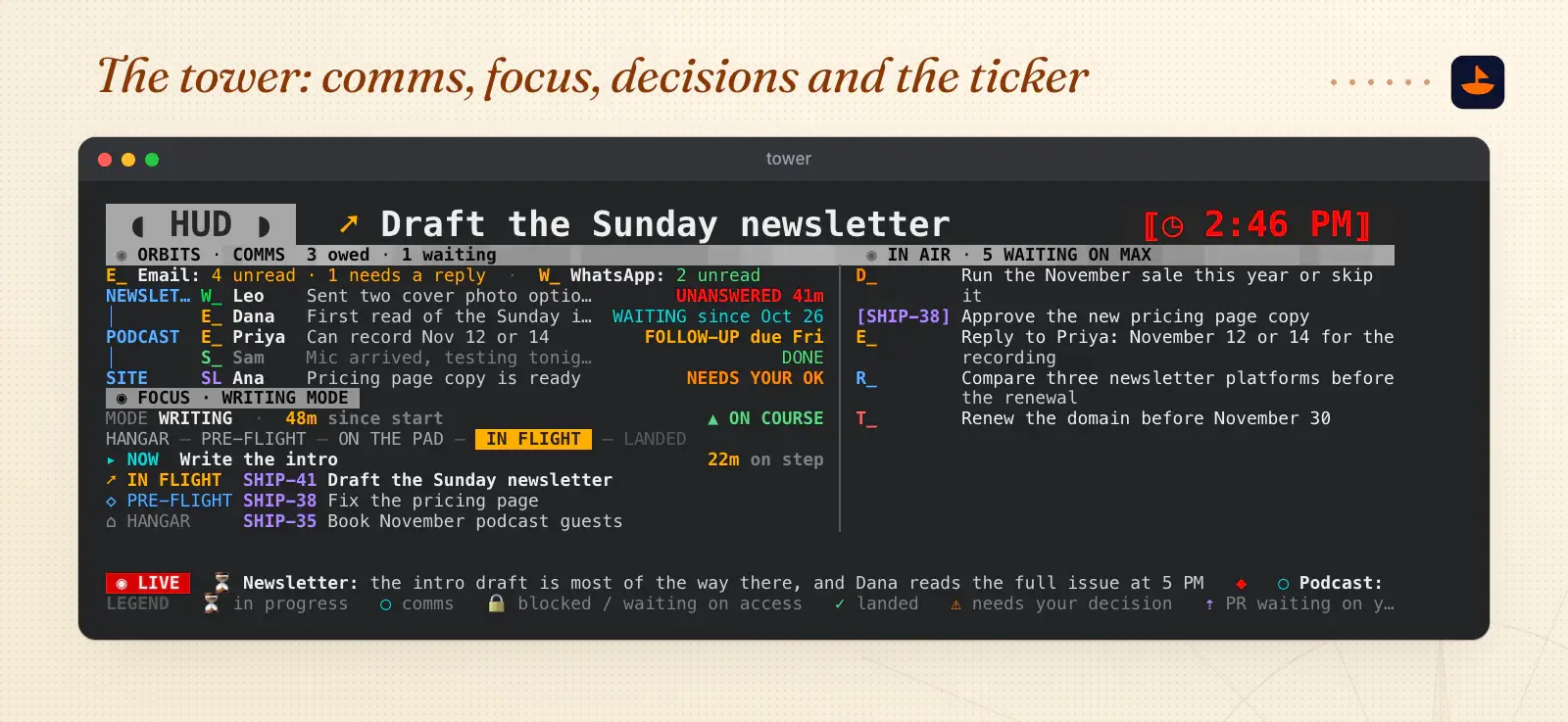
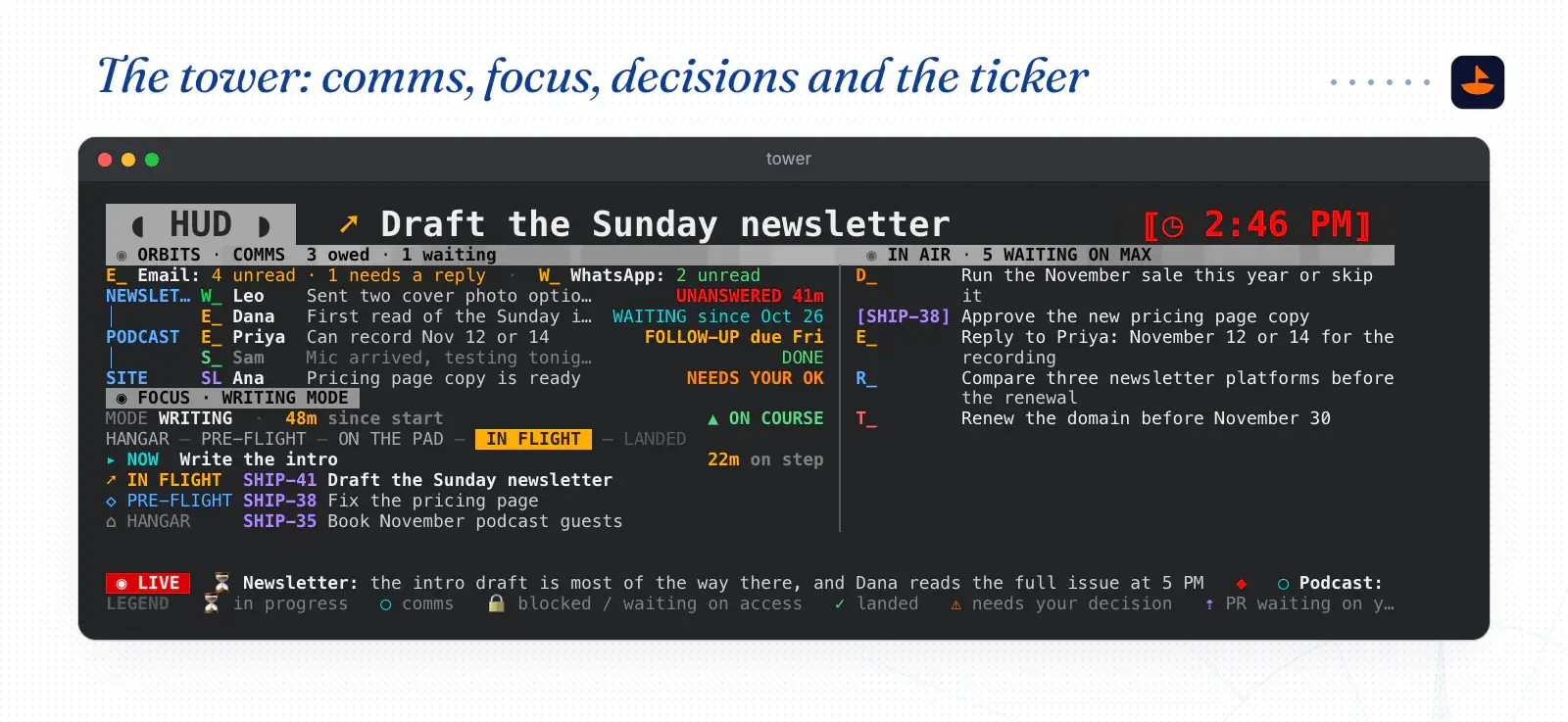
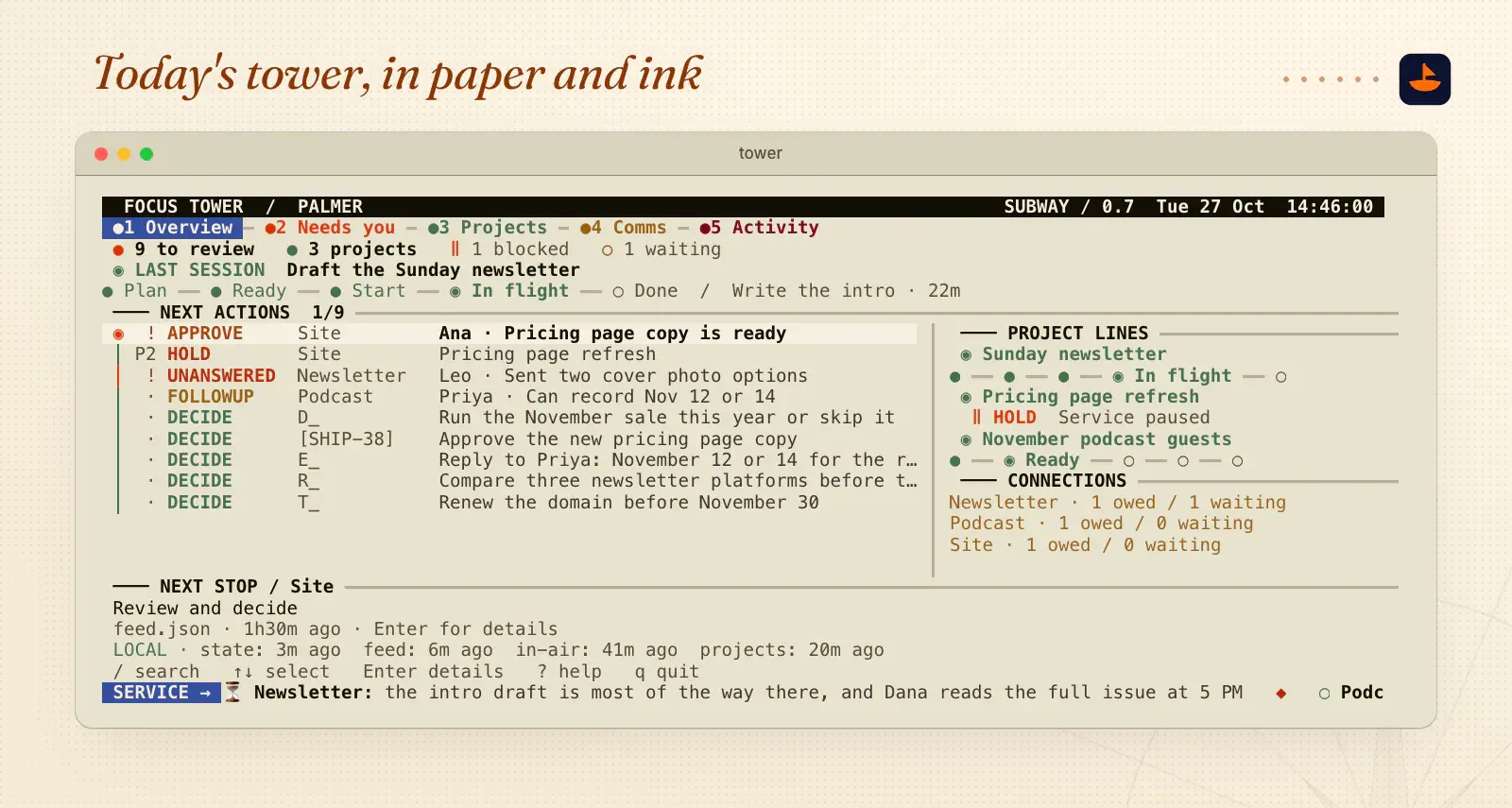
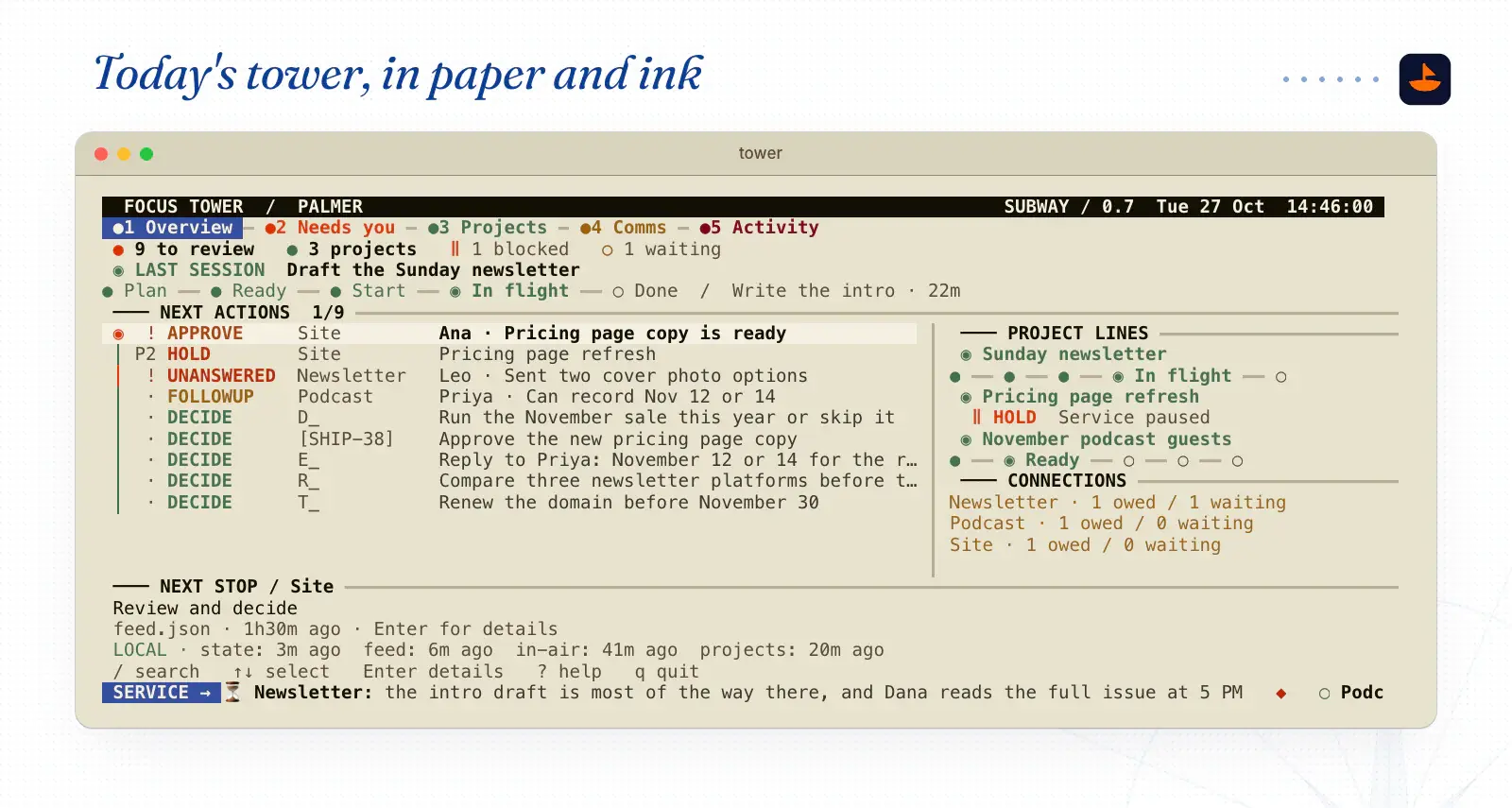
TL;DR
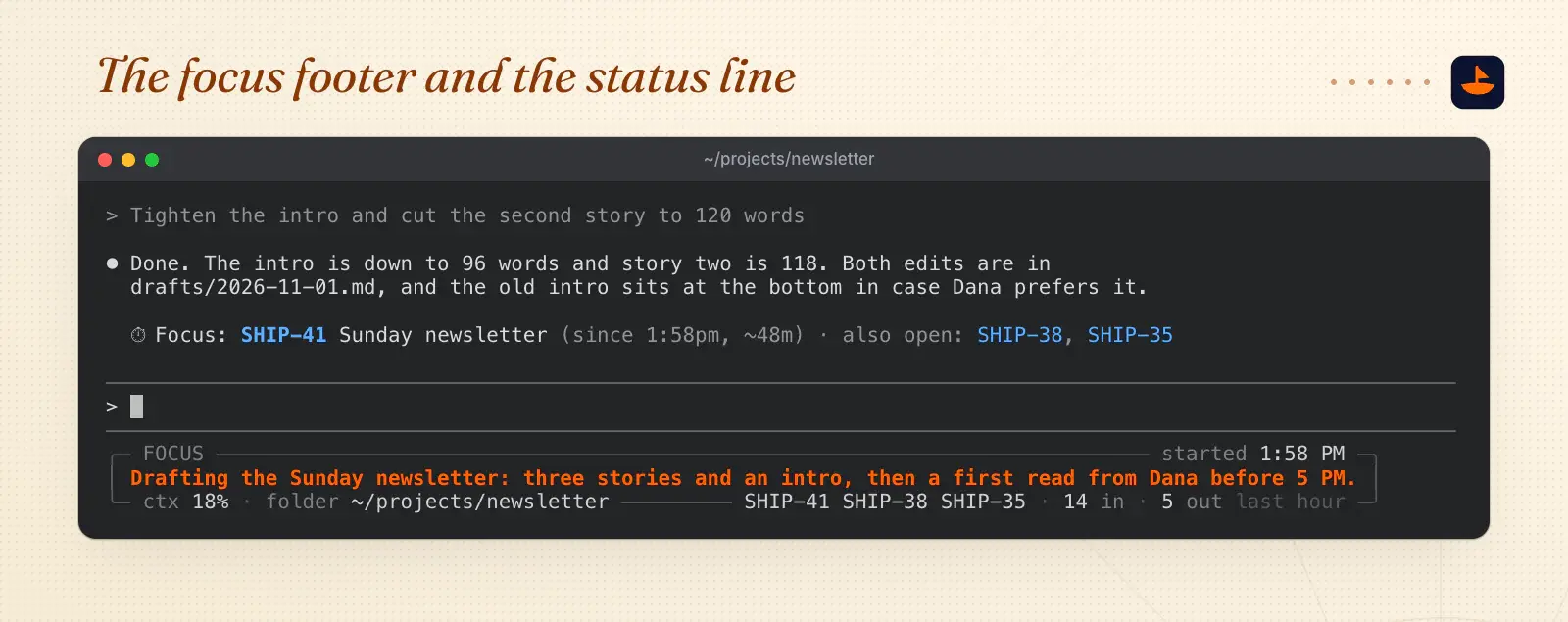
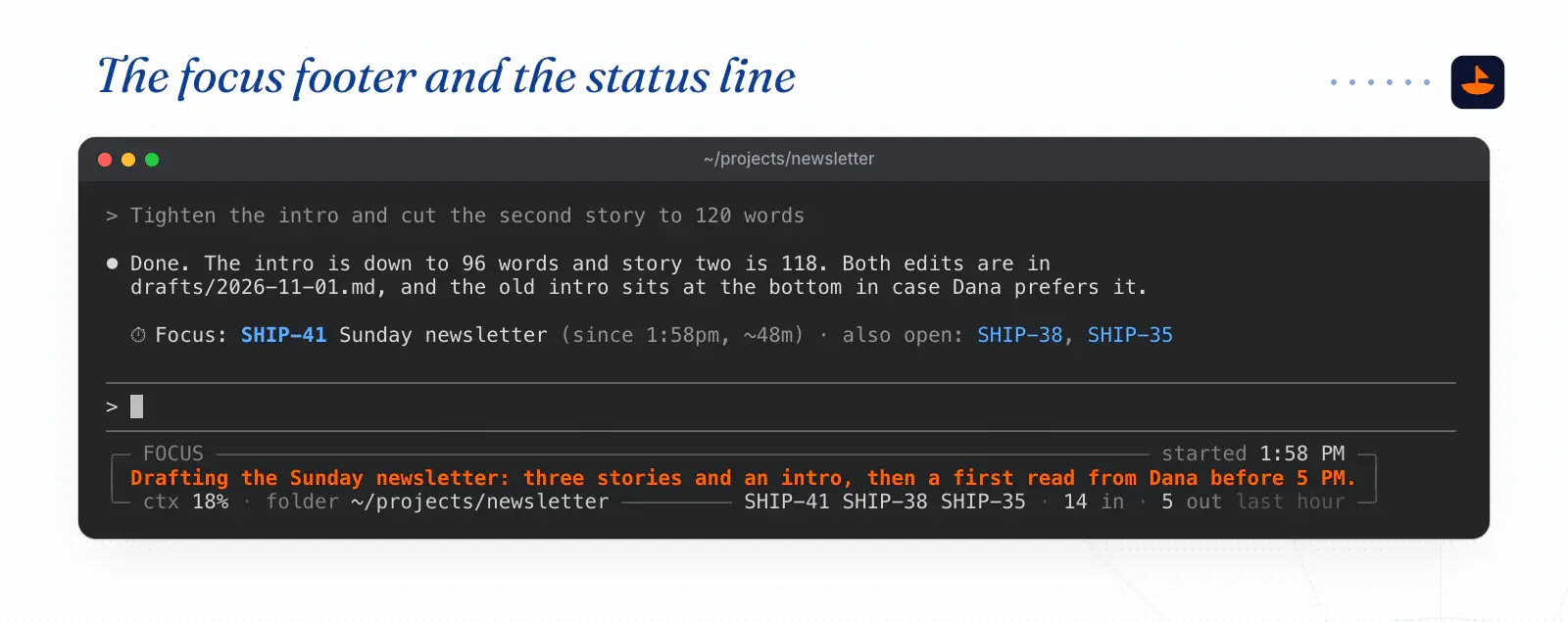
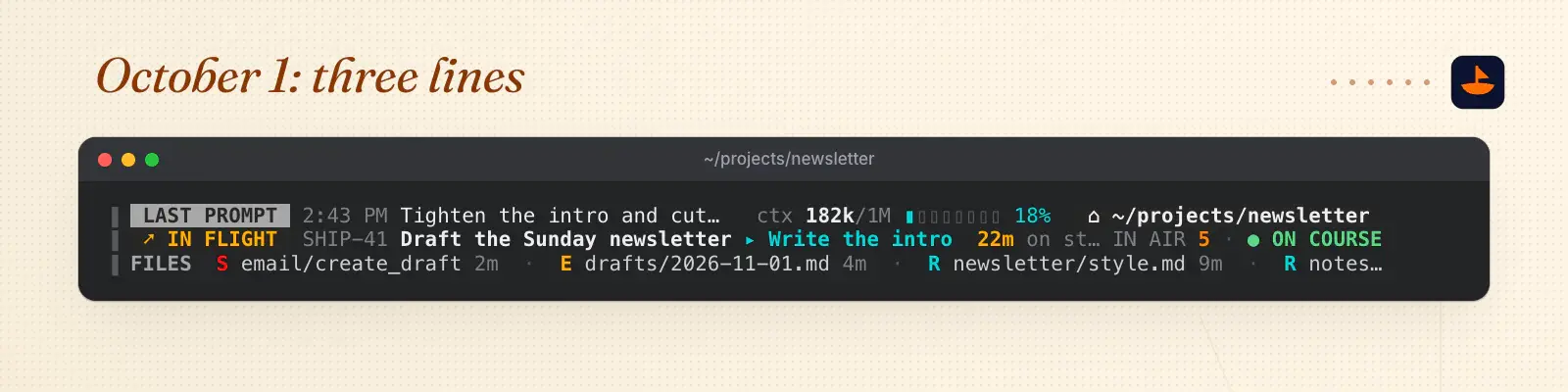
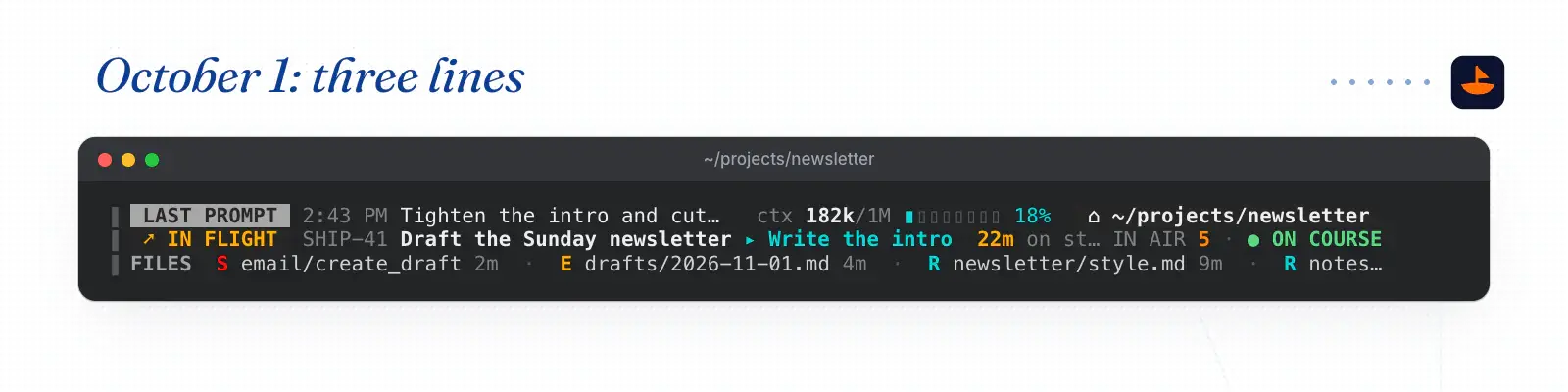
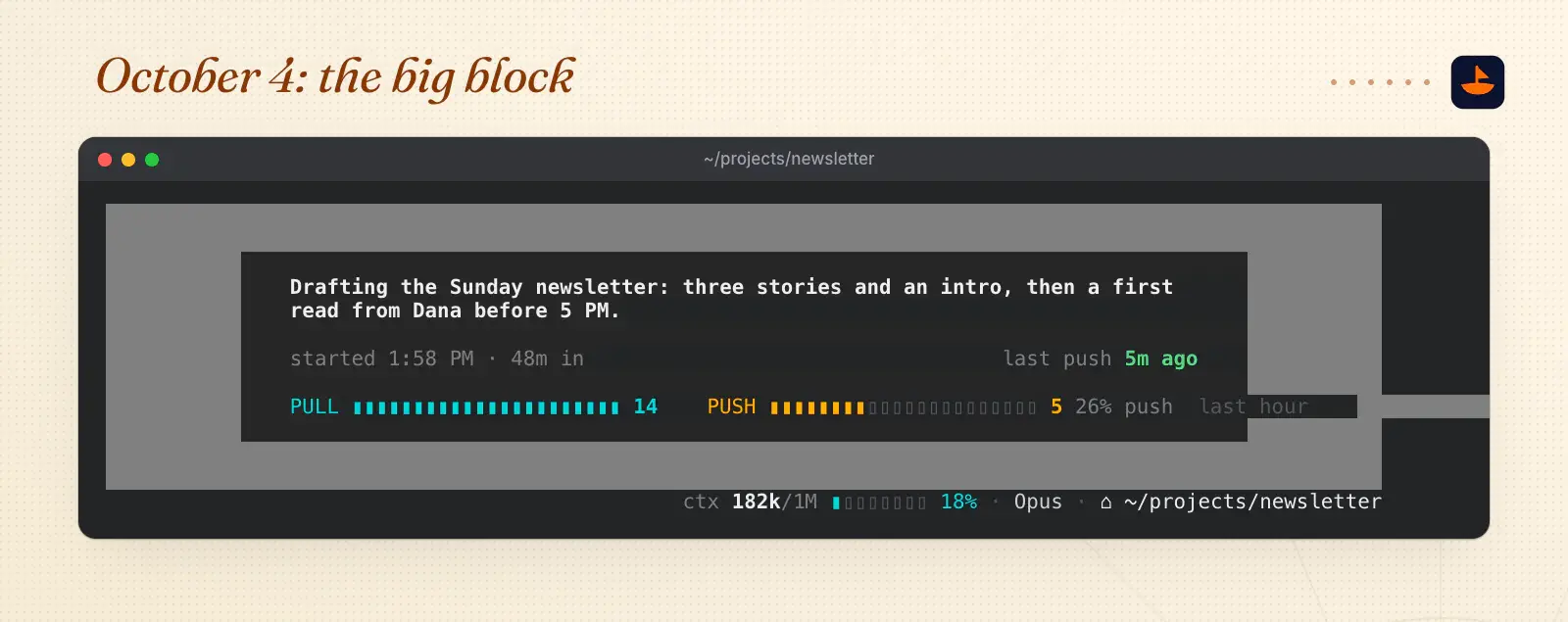
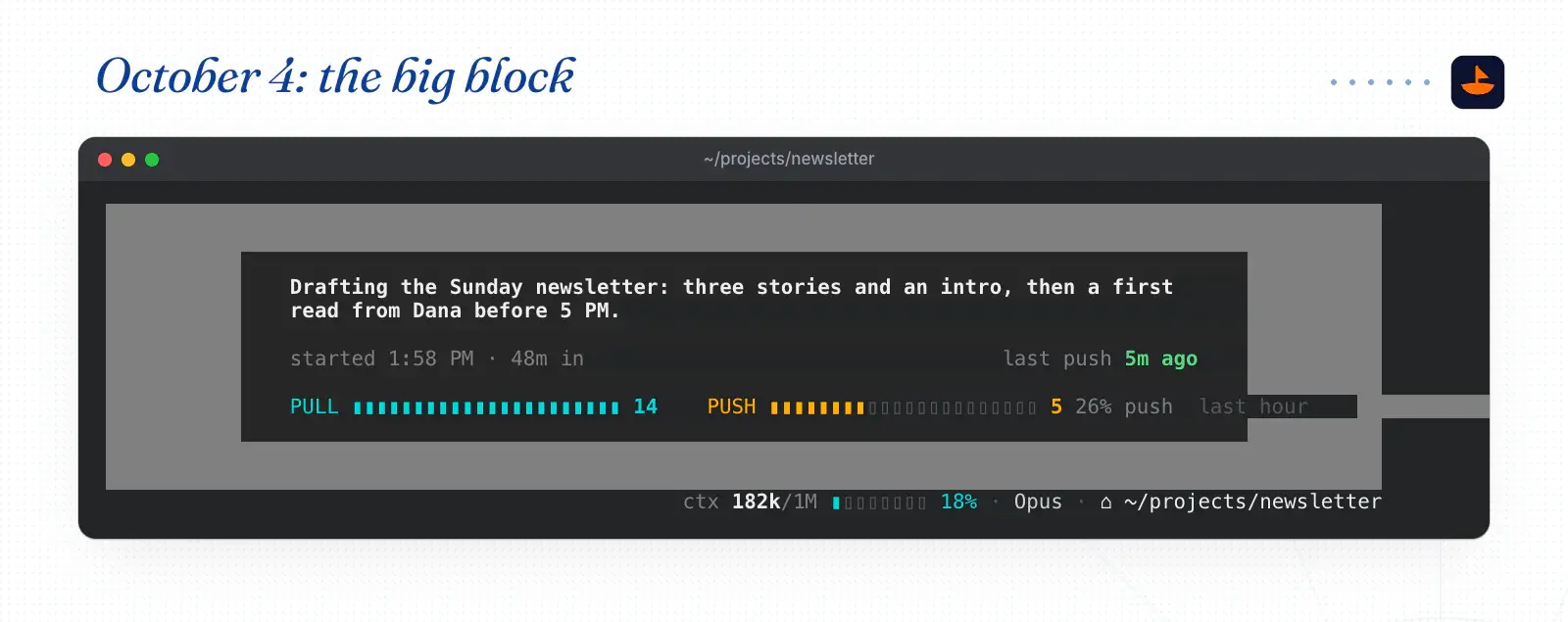
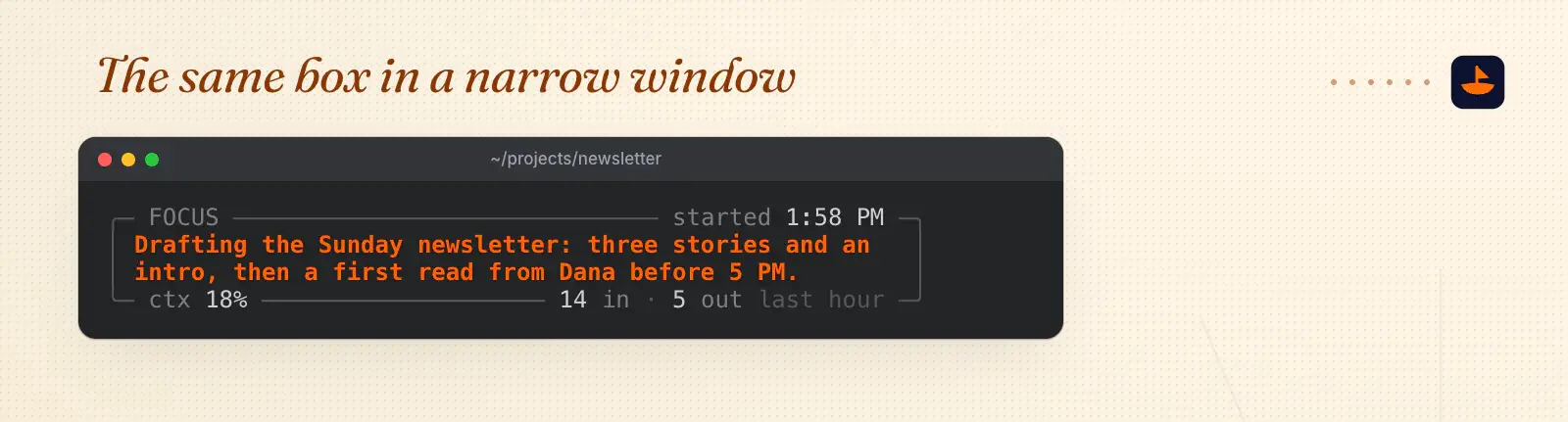
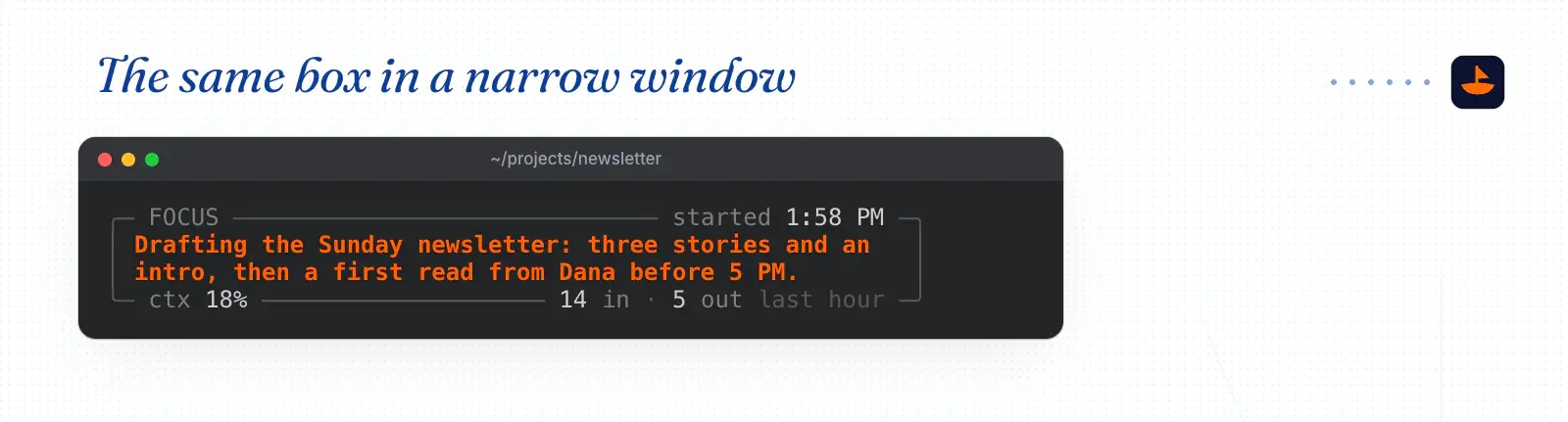
- This starter draws the same kind of box: a sentence in orange, the context percentage, the folder and your 5-hour limit.
- It's 76 lines of Python with nothing to install, and it runs on Python 3.9 or newer.
- First, the script runs on your machine and never talks to the model, so in the docs' words it "does not consume API tokens."
What's inside
- hud.py The starter box
- settings.json Point Claude Code at it
- focus-footer.md A focus footer
- change-status-line.md Change my status line
- local.hud-collector.plist A collector every 15 minutes
- sample.json Made-up data
- focus.json Made-up data
- note.txt Made-up data
- README.md Build your own
How to use
- Save hud.py as ~/.claude/hud.py, then add settings.json to ~/.claude/settings.json.
- Name the tab. Run /rename in Claude Code and the box shows that name. Without a name, it shows the title Claude Code generates for the session.
- Pin a sentence. Ask Claude to run python3 ~/.claude/hud.py now "Draft the Sunday newsletter". Claude Code passes each tab's session ID to the commands it runs, so the sentence shows only in that tab. Run it in a plain terminal instead and it shows in every tab.
- Add a source. Anything a script writes to ~/.claude/hud/note.txt shows in the bottom right. That's the hook for a collector.
- If you want one, paste focus-footer.md into your CLAUDE.md.
- Here's a minimal one that runs a collector every 15 minutes. Save local.hud-collector.plist as ~/Library/LaunchAgents/local.hud-collector.plist.
- Replace YOU with your username, because launchd doesn't expand ~. Load it once with launchctl bootstrap gui/$(id -u) ~/Library/LaunchAgents/local.hud-collector.plist.