TL;DR
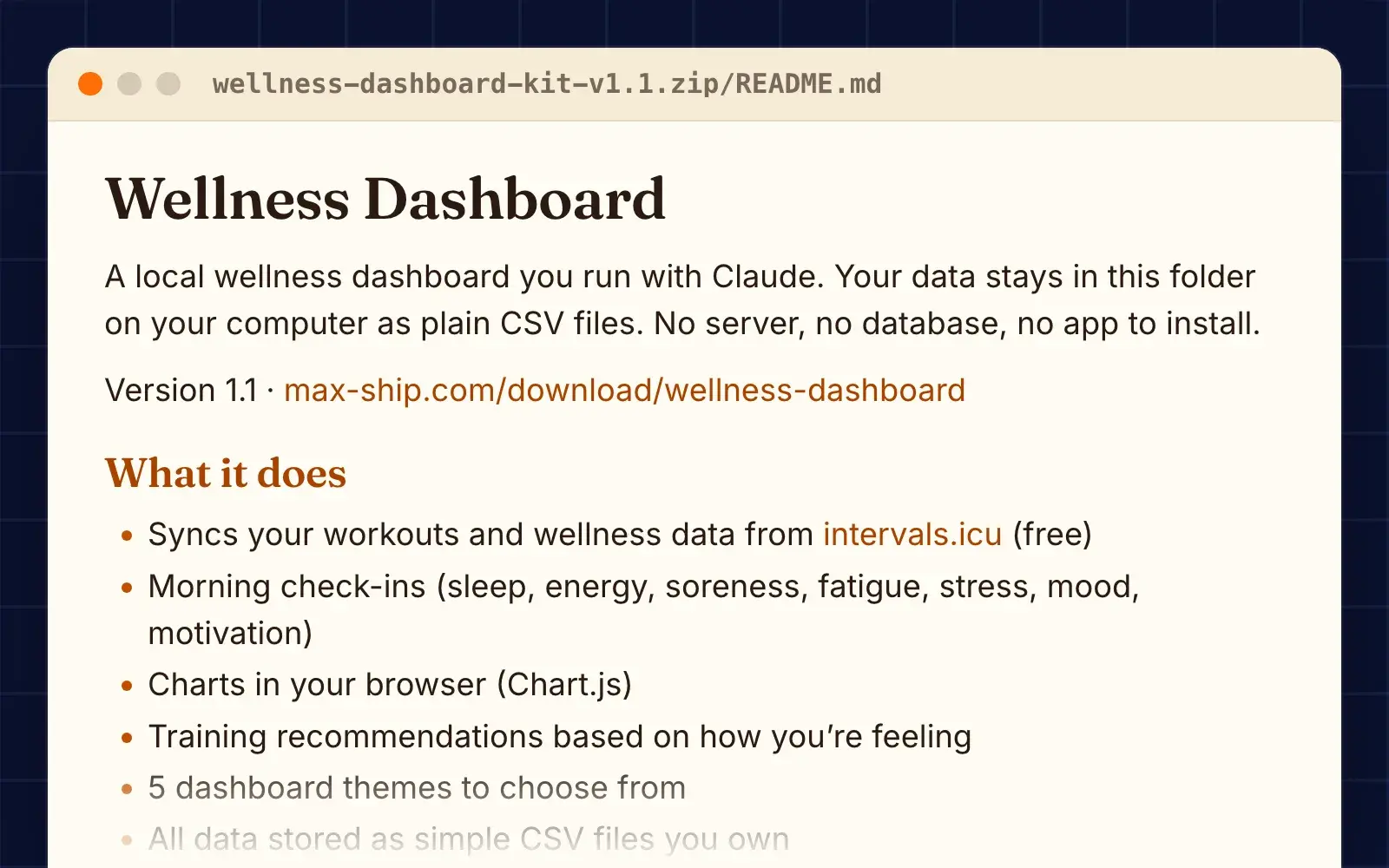
- Syncs your workouts and wellness data from intervals.icu (free).
- Morning check-ins (sleep, energy, soreness, fatigue, stress, mood, motivation).
- Training recommendations based on how you're feeling.
- All data stored as simple CSV files you own.
Features
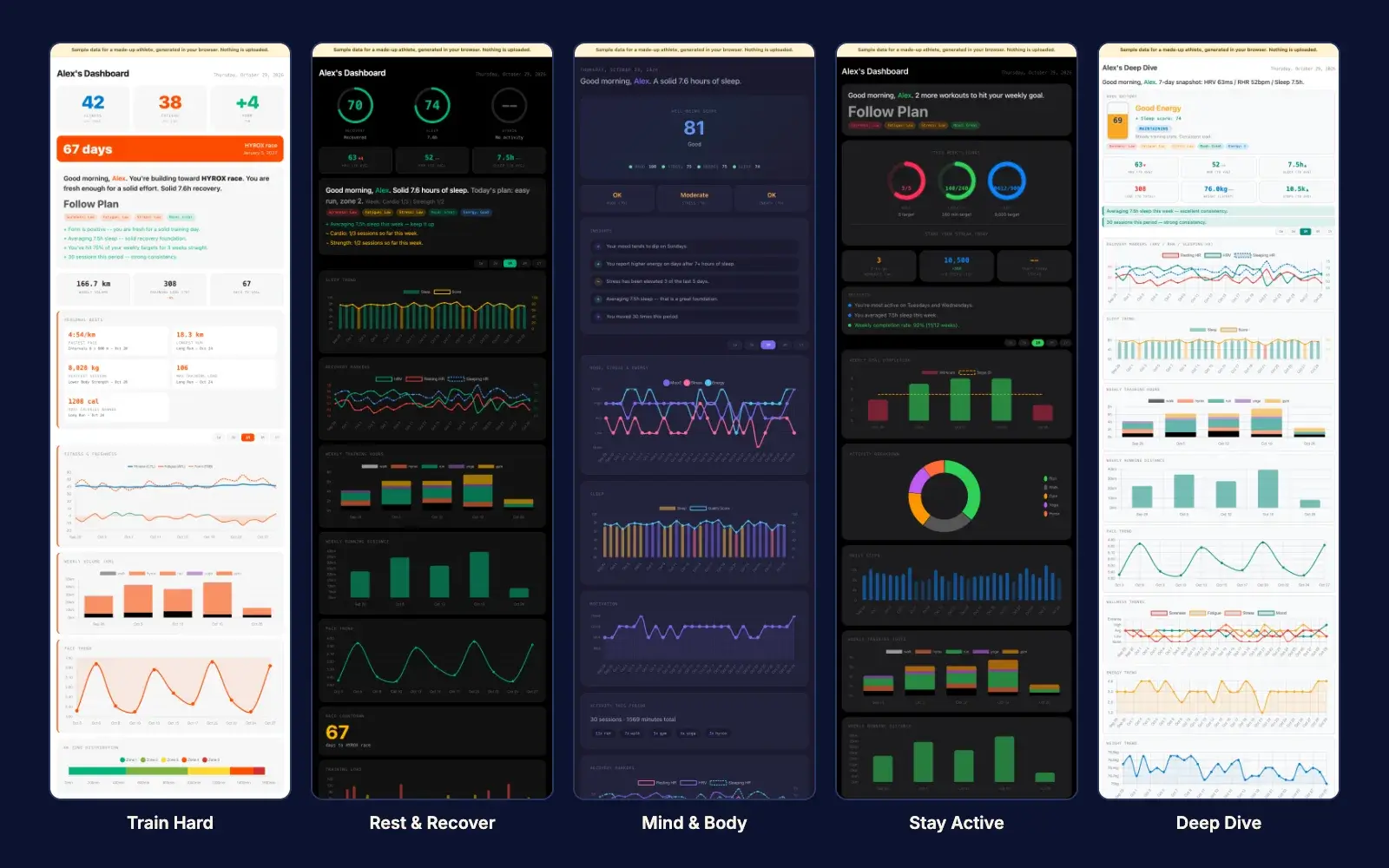
Five dashboard themes
- Rest & Recover: sleep and recovery front and center. "Should I push or rest today?"
- Mind & Body: mood, stress, energy, balance. "How am I feeling overall?"
- Stay Active: weekly goals, consistency, streaks. "Am I showing up?"
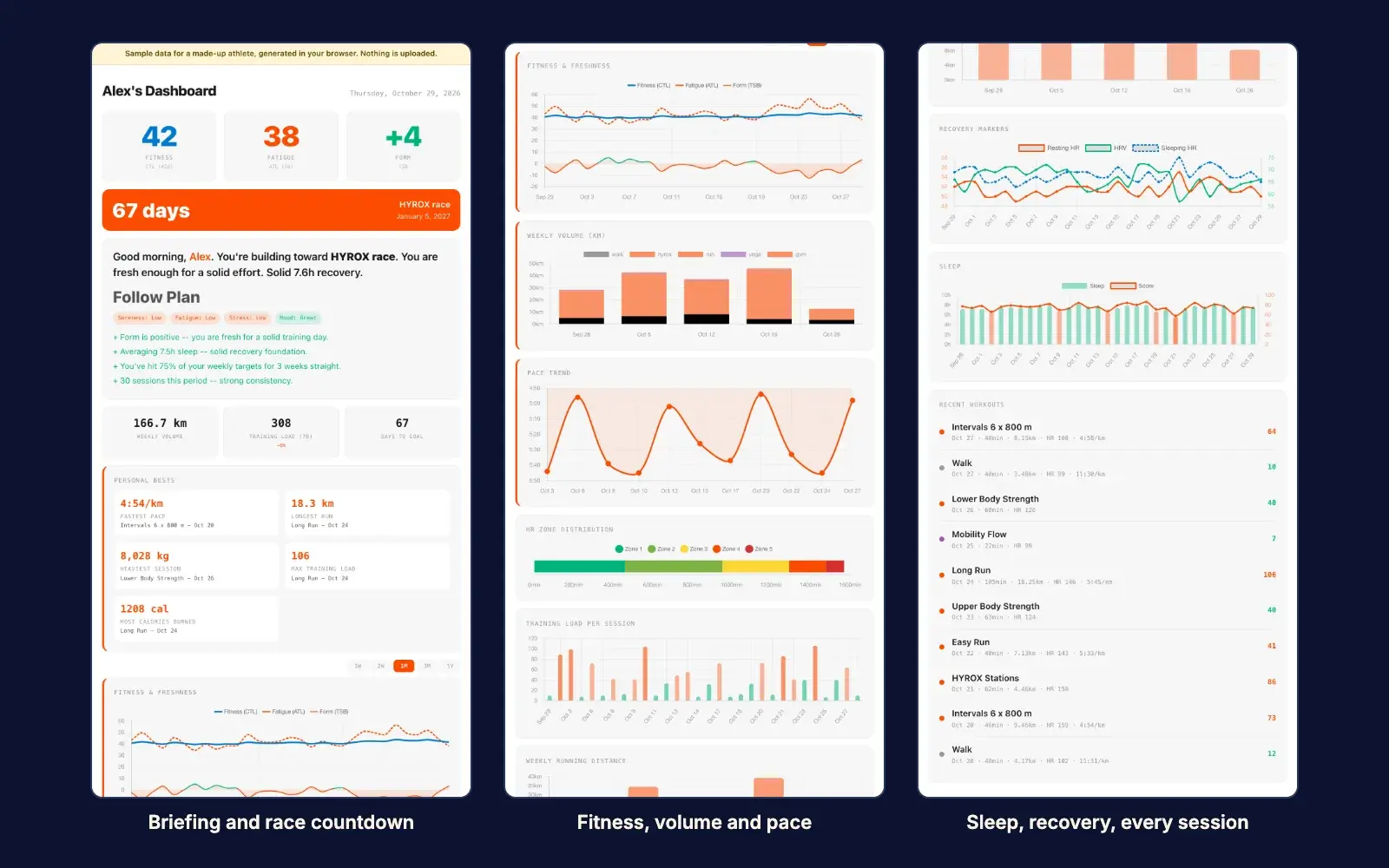
- Train Hard: performance, pace, load, race prep. "Am I getting faster?"
- Deep Dive: every metric, every chart. "Show me everything."
Daily use
- check-in: morning briefing and wellness check-in.
- sync: pull latest workouts and wellness from intervals.icu.
- "I ran 5km today": log a workout manually.
- insights: look for patterns across sleep, training, mood and energy.
- restyle: change your dashboard theme.
- audit: verify no data leaves your computer.
Works with your wearable
- Anything that syncs to intervals.icu. Its integrations page lists Garmin, Polar, Amazfit, Huawei, Suunto, COROS, Wahoo, Concept2, Strava, Zwift, Rouvy, Oura and WHOOP, among others.
- Apple Health data gets there through third-party apps.
- Don't have a device? Log workouts by telling Claude what you did.
What's inside
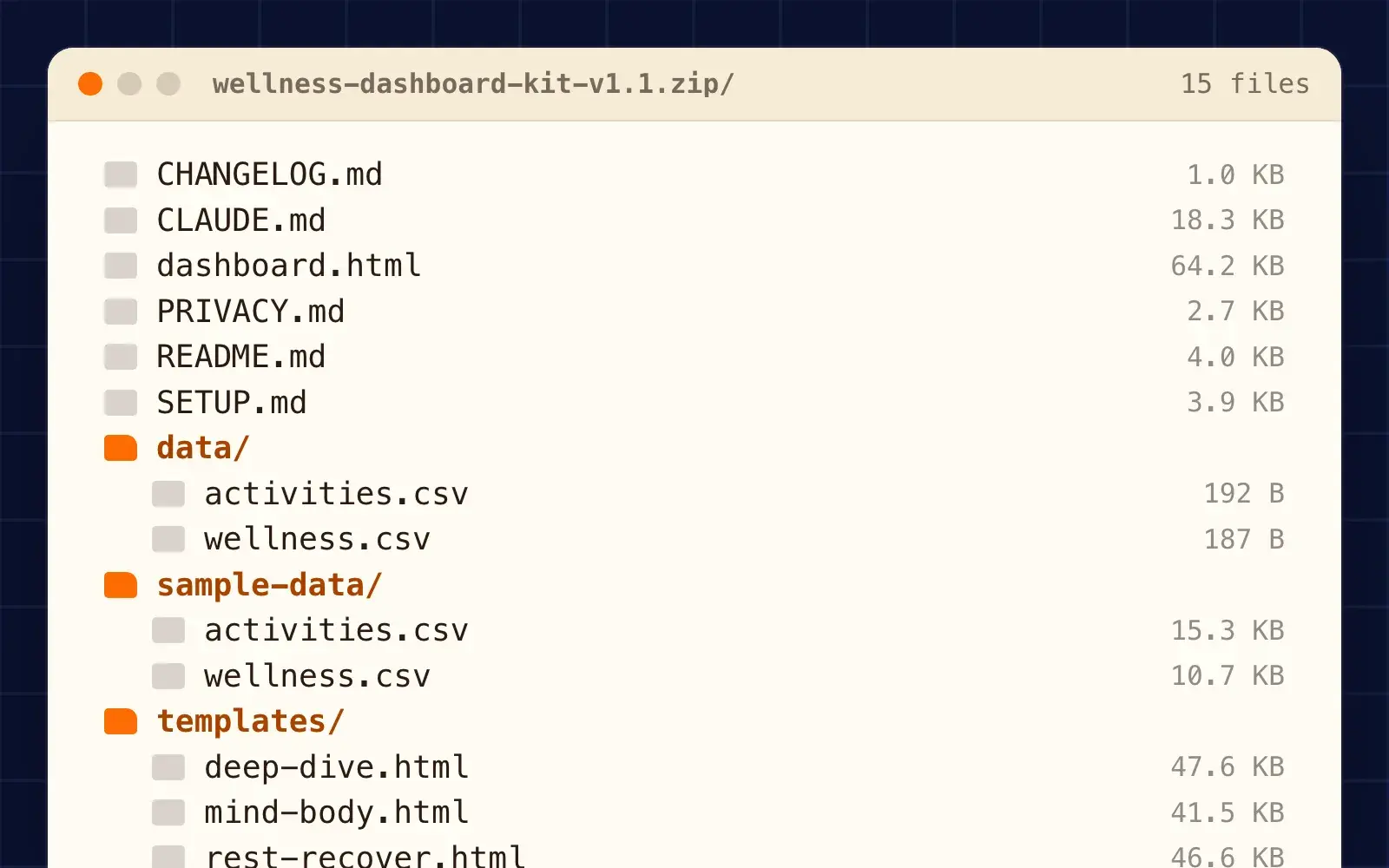
- README.md what it does and how to set it up
- SETUP.md the setup prompt
- CLAUDE.md instructions for Claude
- PRIVACY.md privacy policy
- CHANGELOG.md what changed in each version
- dashboard.html open this in your browser (sample until setup)
- data/ your workouts and daily wellness, as CSV
- activities.csv
- wellness.csv
- sample-data/ made-up example data for "Alex"
- templates/ the 5 dashboard themes
How to use
- Unzip this folder somewhere on your computer.
- Open it in Claude Cowork (choose this folder) or run claude inside it.
- Say: Set up my wellness dashboard. Or paste the prompt from SETUP.md.
- Answer the setup questions (name, age, device, style, priorities, goals).
- Claude builds your dashboard and opens it in your browser.
Requirements
- The Claude desktop app with Cowork, or Claude Code. Both need a paid Claude plan.
- A free intervals.icu account if you want to sync a wearable.
FAQ
Where does my data live?
Everything is stored in the data/ folder on your computer as plain CSV files. You can open them in Excel, Google Sheets, or any text editor. There is no database, no cloud storage, no account.
How does Claude handle my data?
Claude reads your files to answer you. Whatever it reads, including rows from your CSVs, is sent to Anthropic to be processed, the same as anything else you share in a Claude session. Whether Anthropic may use your chats to improve its models depends on your plan and your settings.
Can I try it before I set it up?
Open dashboard.html in your browser. It shows sample data for a made-up athlete called Alex, so you can see what you are getting before you set anything up. Setup replaces the sample dashboard with yours.
How do I delete everything?
Delete the folder. That is it. Your data is gone. If you synced check-ins back to intervals.icu, that data still exists in your intervals.icu account. Manage it there.