Essay · Mental Frameworks
Don't Let the AI Be Your Librarian
Every AI company wants to remember you, because memory is what makes leaving hard. I keep mine in plain files instead, so any model can read it and none of them can hold it.
A friend asked me recently whether I still use all the different AI chat apps. Daily, I told him: Claude, GPT and Grok. Then I opened a folder and showed him the part that actually matters.
"The secret sauce has nothing to do with the AI and everything to do with how you organize your information."
Everything I know about my work lives in plain text files, in a shared folder my team and my agents both read. The AI comes to the folder, and the folder never moves into the AI. That one rule is why I can switch models in the middle of a day and lose nothing.
I've already made the case for a folder of markdown files in Turn a Folder Into a Second Brain, and for why context beats clever prompts in Great Context, Great Output. This post is about a different question: where your memory should live, and who gets to be the librarian. Then I'll show you how to set up your own library and test it.
Reasoning, not memory
Here's how I put it to my friend:
"I don't trust the AI company in terms of memory. I trust it in terms of reasoning, but that's it."
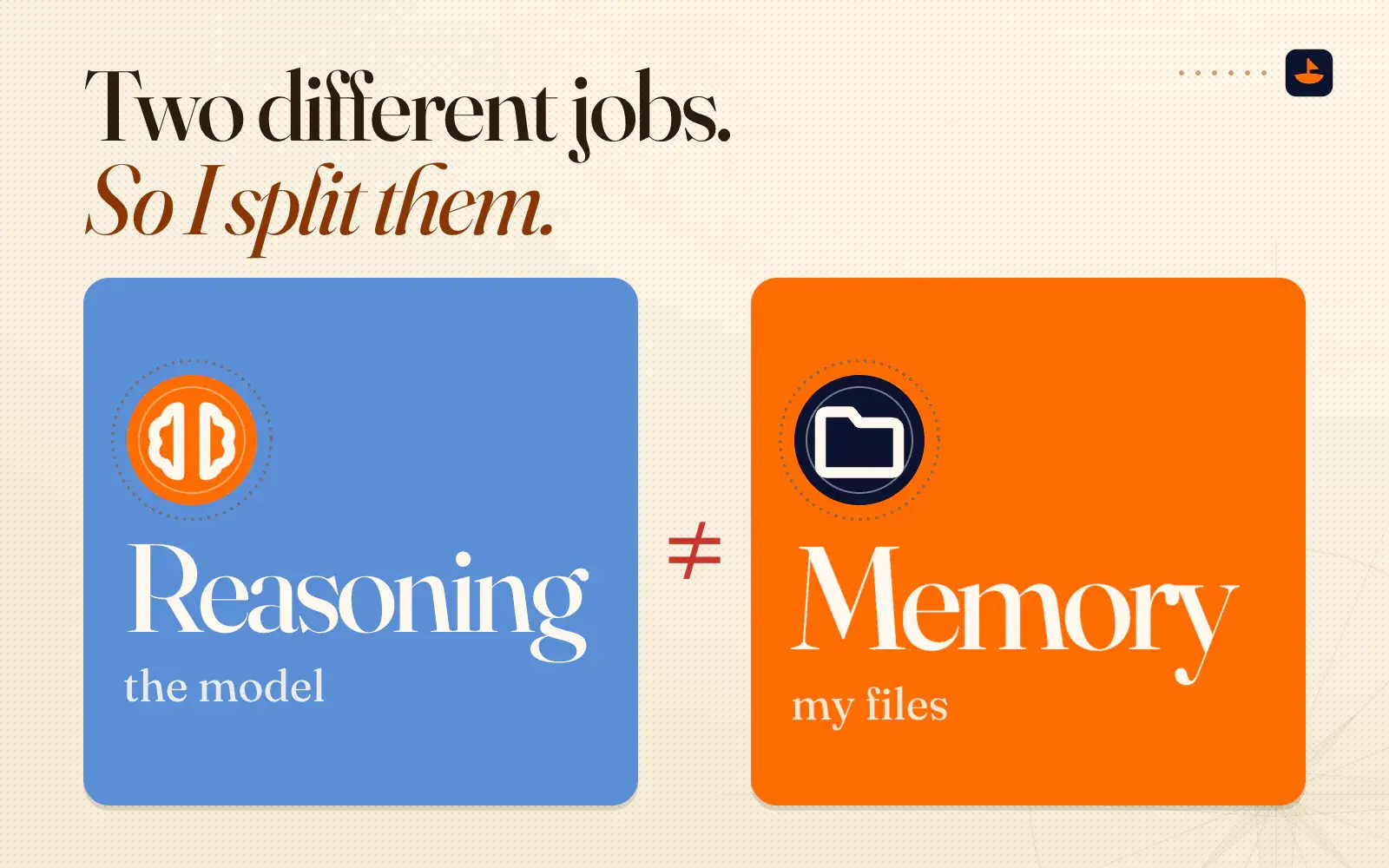
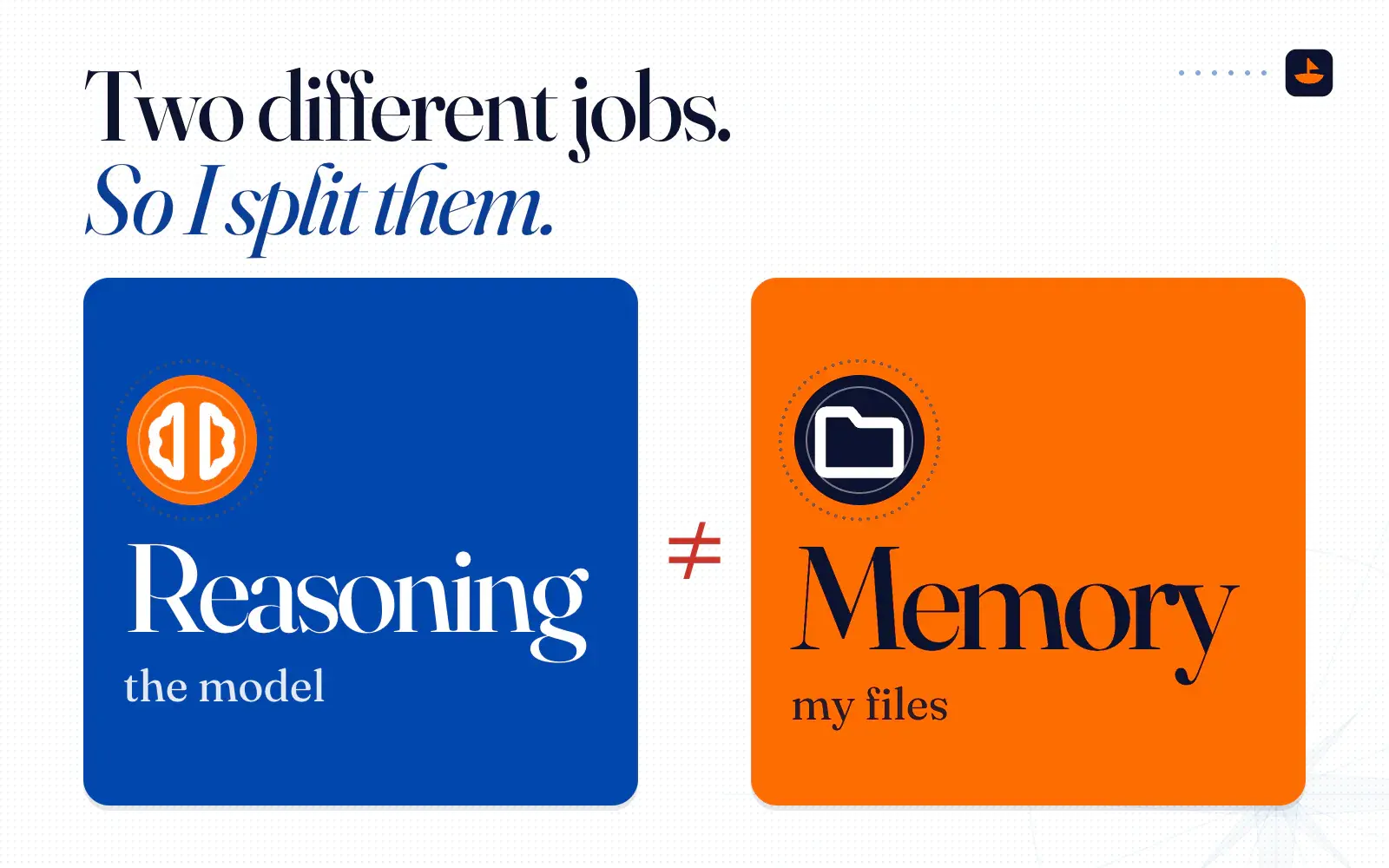
Those are two different jobs. Reasoning is the thinking: reading a messy situation, weighing options, drafting, checking the draft. The frontier models are very good at it, and they keep getting better. Memory is the record: who my customers are, what we decided and why, how we do things, and what we tried that didn't work. The record changes slowly and compounds, and I need it to outlive whichever model is best this quarter.
So I split them. The model does the reasoning, and my files hold the memory. "AI is just how you get there," as I said that day.
The rest of what I told him is the whole argument in three sentences:
"I can go from Grok and GPT in the same day and have zero risk of it not knowing things, because it knows everything, because everything's stored outside of the AI. I don't want the AI to be the librarian, because then I'm stuck. I can't switch platforms if I want to."
A librarian decides what gets kept, where it goes and what you're shown when you ask. If the AI company is your librarian, those decisions happen inside a product you can't fully see, and the shelves stay with the product when you leave.
Why the vendor's memory is a trap
Every major assistant now remembers you. That's useful, and the products keep getting better at it. The trap is treating that memory as your library. Three things make it a bad home for what you know.
1. It's lock-in. Memory is what makes an assistant feel like it knows you, which also makes it the thing you lose when you switch, and the companies know it. When Anthropic opened Claude's memory to free users on March 2, 2026, it shipped a tool for importing memories from other assistants alongside it. MacRumors' headline put it plainly: a memory feature and import tool "to Lure ChatGPT Users to Claude." Three weeks later Google launched its own import tool for people switching to Gemini from ChatGPT and Claude. When every company is building a door in, memory is the moat.
I made the same point about memory add-on products in a recording back in June. People keep trying to sell you a "digital AI memory brain," and "the problem with all these things is they're kind of taking a base concept, they're wrapping more AI around it, and then selling it to you. But if you do that, you're kind of just going to get back stuck at square one if their tool stops working or it doesn't plug into your workflow."
2. It's opaque. ChatGPT's memory isn't only the list of facts you asked it to save. It also draws on your past chats, and in June 2026 OpenAI described a background process it calls "dreaming" that lets ChatGPT "learn from many conversations and synthesize ChatGPT's memory state." You can read and edit a summary, but OpenAI's own Memory FAQ says that summary "will not include everything that ChatGPT remembers." To be fair, Claude has gone the other way. Its memory is saved as topics you can read, edit and delete one at a time, each project gets its own memory, and Anthropic says all memory data is included in data exports. That's a better design. It's still their design, on their shelf.
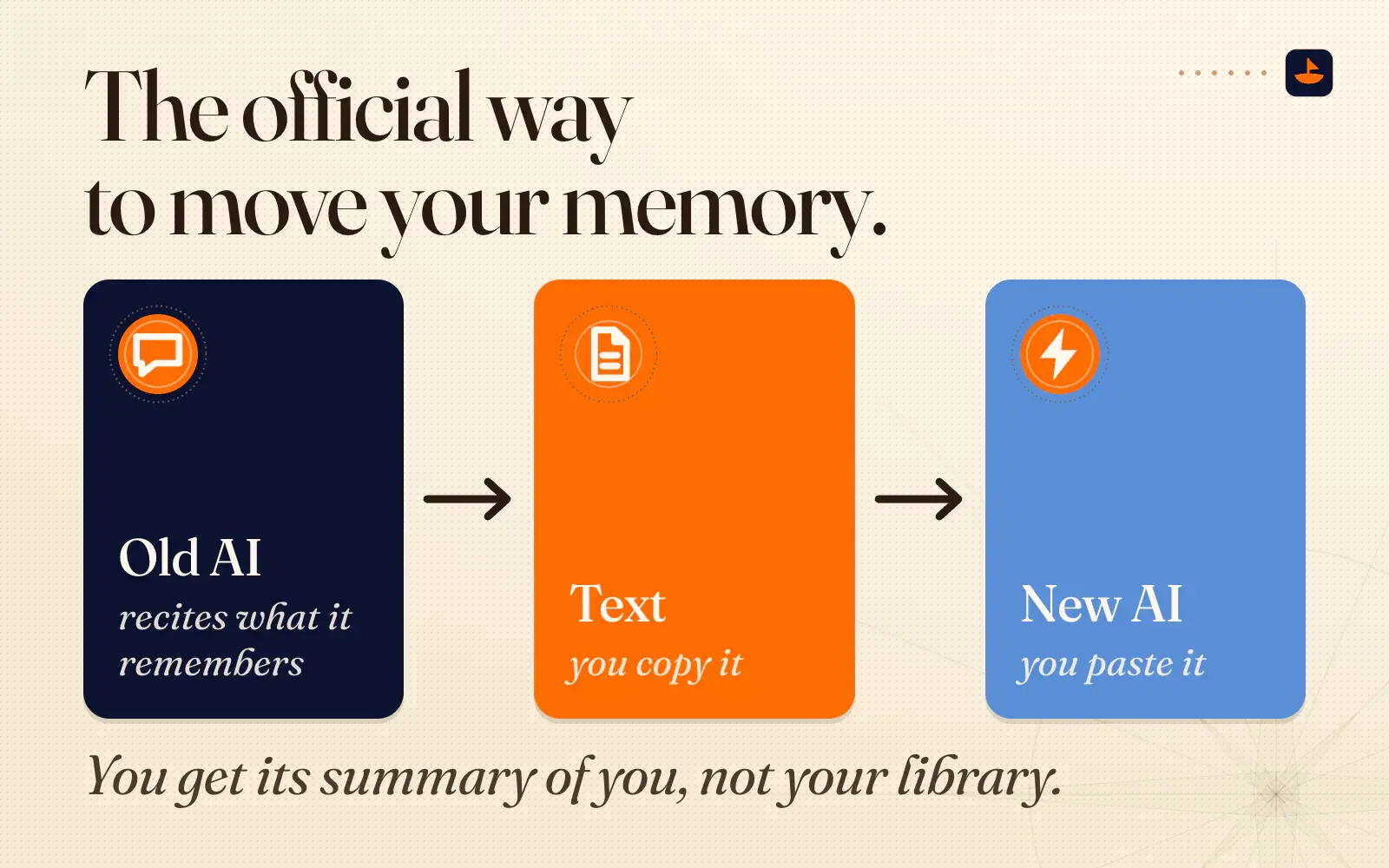
3. It doesn't port cleanly. Look at how the import tools actually work. Claude's gives you a prompt to paste into your old assistant: "List every memory you have stored about me, as well as any context you've learned about me from past conversations." You copy whatever comes back and paste it into Claude. Gemini's memory import works the same way: a prompt asks your old assistant for a preferences summary, and you paste that into Gemini. So the official way to move your memory from one AI company to the next is to ask the old AI to recite what it remembers about you, copy the text, and paste it into the new one, trusting that it remembered well. You get its summary of you, not your library.
Notice where that ends up: a block of plain text. Even the vendors' own switching tools treat plain text as the portable form of memory. I'd rather start there than end up there.
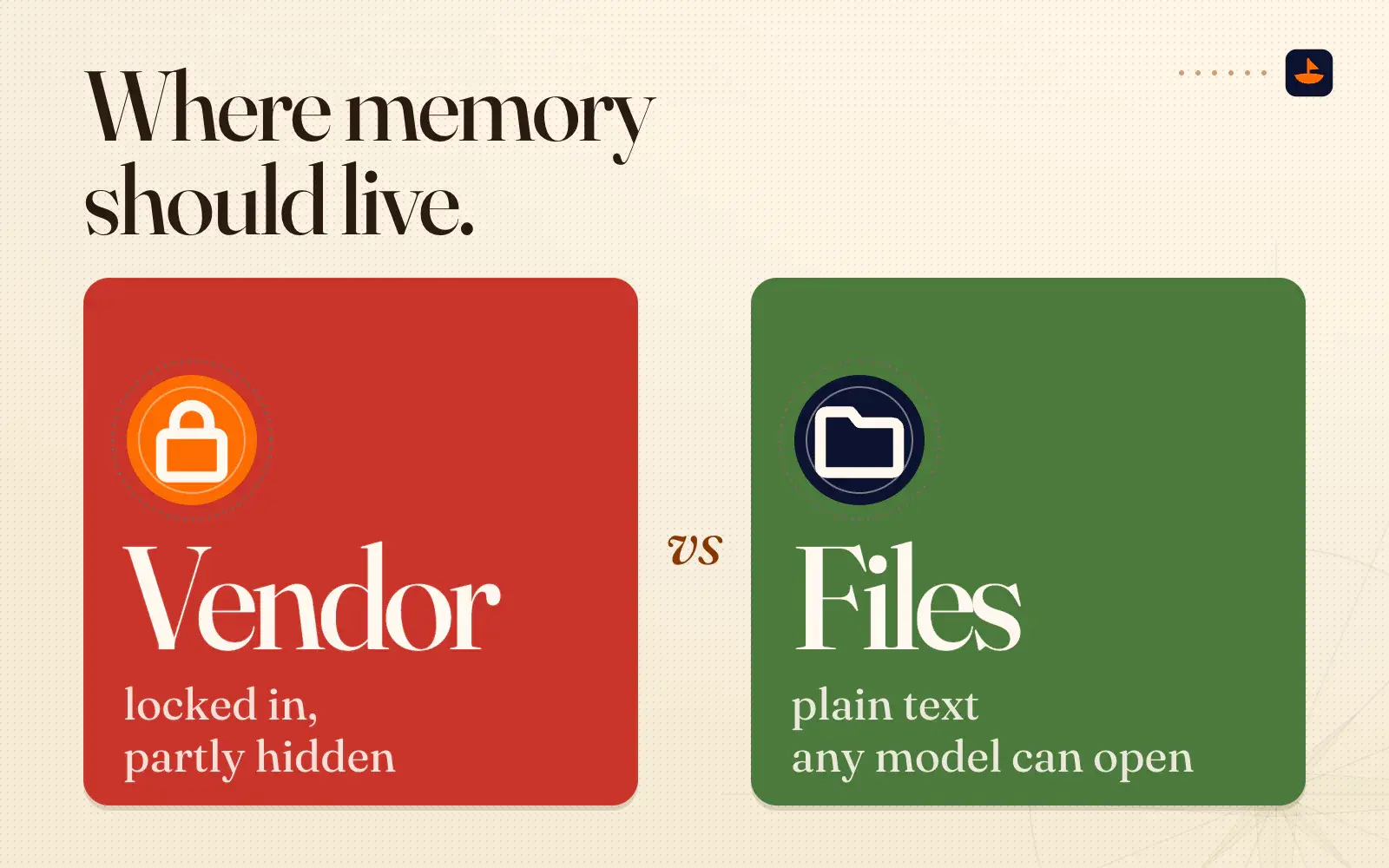
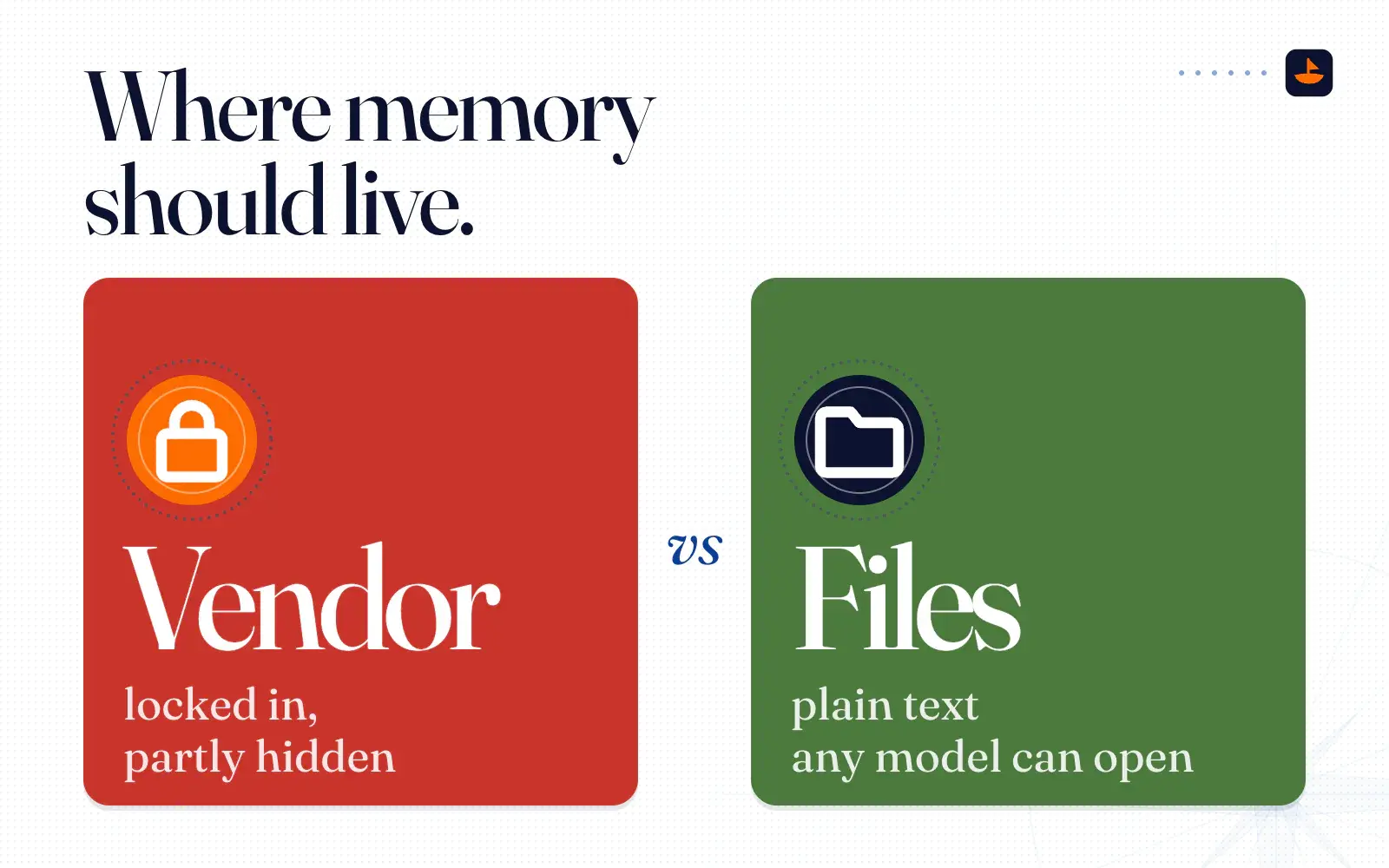
Here's the contrast in one place. Memory in the vendor is locked in, partly hidden, and moved by asking a model to recite it. Memory in your files is plain text you can read, edit and back up, and any model can open it, including models that don't exist yet.
What my library looks like
When I showed my friend the folder, I clicked into one of the skill packs. Here's how I described it:
"Inside of this folder are packages of information. I click into this skill pack, I click on this, and it's just a markdown file. It's just text, and it literally teaches the AI instructions. It's like an SOP."
An SOP is a standard operating procedure, the same document you'd hand a new hire: how to run this, how to do that, and what never to do. I write those once, in plain markdown, and they sit in that shared folder for my team and my agents.
Then I connect the AI to the folder instead of pouring the folder into the AI. Claude and ChatGPT both connect to cloud storage now (Dropbox has official connectors for both), and desktop tools like Claude Code and Codex open a local folder directly. The ask always has the same shape: "Hey, go do this one thing, but use this file or folder to figure out the context."
This isn't just my habit anymore. The industry has been turning the pieces into standards. Anthropic developed Agent Skills and released it as an open format, where a skill is "a folder containing a SKILL.md file" with a name, a description and instructions, and a growing list of agent products support it. AGENTS.md, a plain file that tells AI coding agents how to work in a project, went to the Linux Foundation's new Agentic AI Foundation in December 2025, when more than 60,000 open source projects and agent frameworks already used it. Your SOPs no longer have to belong to any one tool.
The index is the librarian's map
A pile of files isn't a library yet. A library has a catalog. In my folder that's an index file at the top, plus a smaller index in each domain folder, listing what's there with one line each. In the Obsidian world this is called a map of content, or MOC. Nick Milo's Linking Your Thinking, where a lot of people first learned the term, defines it as "a cluster of information that maps 'things' in context with other 'things.'"
The index is what lets a model reason over a big folder without reading every file. When I recorded a walkthrough of my folder in June, I put it this way: "I've built into this folder an index as well as a specific training format, so Claude knows what to look for, where to look, and how to always improve itself with time."
That same month, Google's data team published the Open Knowledge Format, which I mentioned in the second-brain post. My first reaction was blunt. "Google kind of stole a concept that the personal knowledge management community has been talking about for a long time," I said a couple of weeks later. "Google basically came out with their own version of it."
That's my opinion. Here's what Google actually published, so you can judge for yourself. OKF v0.1 represents knowledge as "a directory of markdown files with YAML frontmatter," and the only field every file must have is a type. Bundles can include index.md files "for progressive disclosure as agents navigate the hierarchy," which works like a map of content. The announcement doesn't use that phrase. It does credit Andrej Karpathy's LLM Wiki gist from April 2026, it names Obsidian vaults and CLAUDE.md files as places the same pattern keeps showing up, and it says that if you've used Obsidian, "the shape will feel familiar."
I also took what was useful. "The big change I would tell you is they're just adding YAML at the top, which is just a description of content and tags," I said in that same session. "So I've kind of added that to our system." You don't need a memory feature or anyone's product to have a catalog. You need one file that says what's where.
Opinions are the part the AI can't supply
The other thing I told my friend was about people, not files. "If you don't want to be replaced by AI, then have really strong opinions."
I've been saying versions of this all year. Back in April I put it like this: "AI hates making opinions. AI loves to pick the middle path all the time. It's scared to pick a position." The model brings the reasoning. Your library brings the positions: this is how we write, this is the customer we won't take, this is what good looks like. A skill file is an opinion written down so a machine can follow it.
That matters more now because the AI has gone proactive. "Now it doesn't wait for you to tell it what to do," I told him. "You just have to give really good instructions and then tell it to do it once a day or whatever, and it will just start doing stuff for you. So you're only really limited by your ability to give instructions and have opinions."
Taste is speeding up too. The journalist Lucy Siegle once described fast fashion as working on "52 seasons a year" instead of the old two or four. That's a rough figure, about a new drop every week, not a measured statistic, but it's the picture I had in mind:
"I think taste and design and styles are gonna go through even faster cycles, because of fast fashion. Instead of four seasons, there's like 52 or whatever. I think that kind of stuff's gonna go even faster now, but it's gonna apply to everything: websites and apps and visual design and home decor. And if you have taste and opinions, you can be the one leading and selling it to everyone else."
If your taste is going to turn over that fast, keep it somewhere you can open, date and rewrite. Then every model you use is working from this season's opinions, not from whatever it happened to remember last season.
Build your own library
Here's the setup I'd hand anyone, in the same shape as a MaxShip kit. You don't need to code. If you've never opened a folder in an AI tool, How to Actually Use a MaxShip Kit walks through Claude Cowork, Claude Code and Codex step by step, and The Command Kit shows the full layout I run. This is the short version, built for one thing: any model can walk in and find what it needs.
my-library/
├── AGENTS.md    the front door
├── CLAUDE.md    optional
├── index.md     the map
├── brand/
│   ├── index.md
│   ├── voice.md
│   └── never-say.md
├── customers/
│   ├── index.md
│   └── objections.md
├── offers/
│   └── index.md
├── skills/
│   ├── index.md
│   └── weekly-report/
│       └── SKILL.md
└── raw/         sources
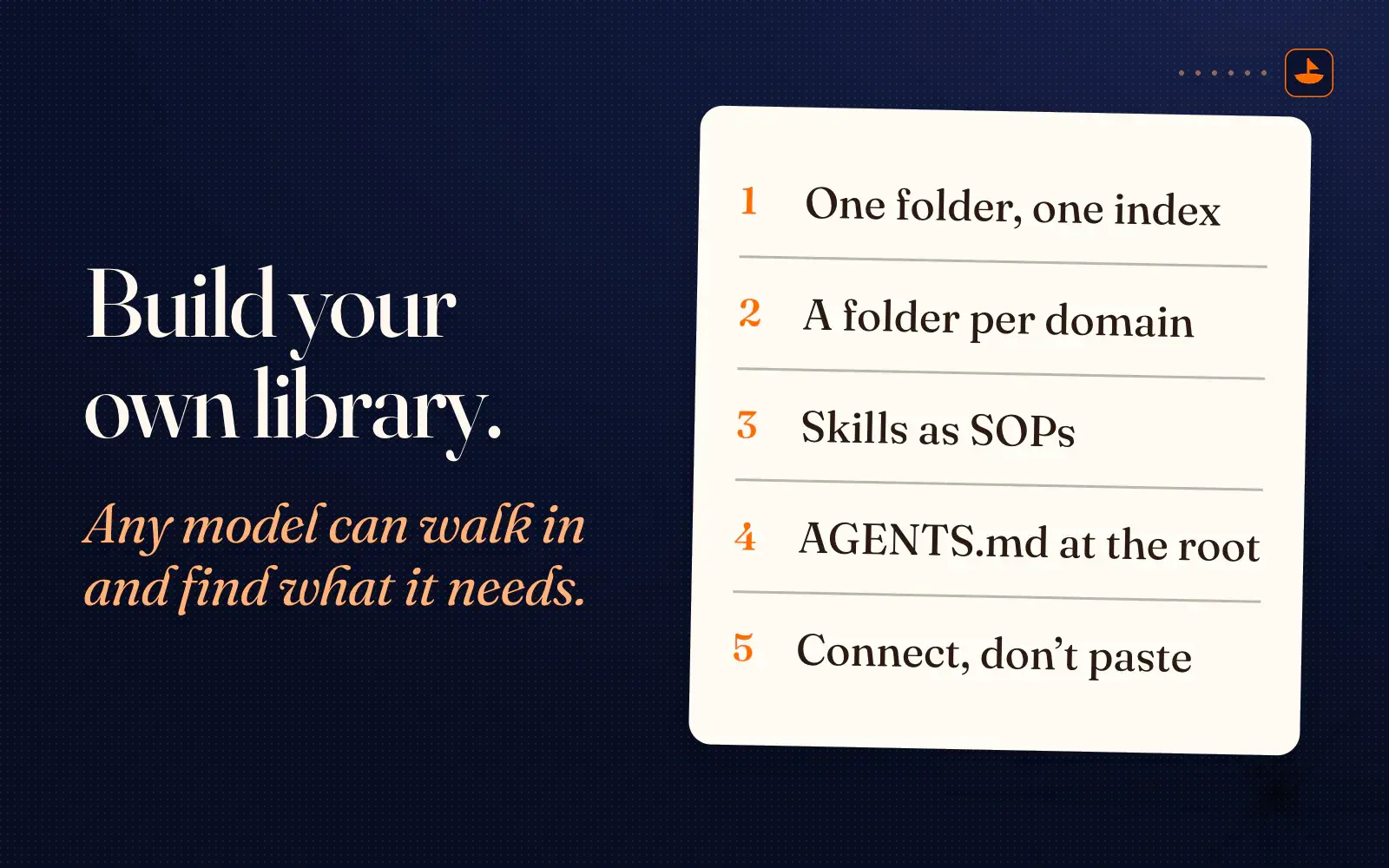
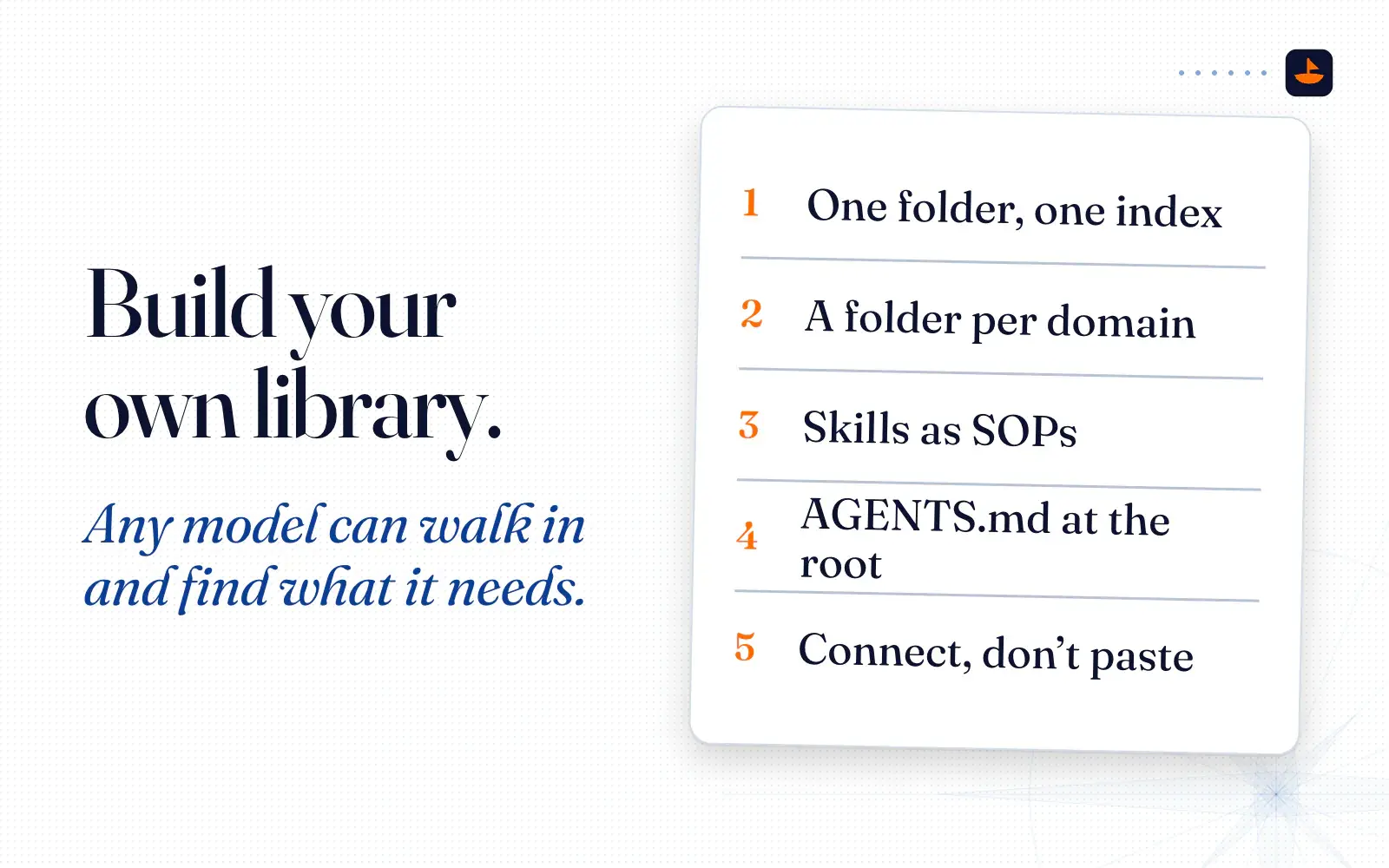
1. One folder, one index. Make one folder for everything you want the AI to know. At the top, add an index.md that lists every folder and every skill inside it, one line each. That's your map of content. When you add a file, add a line.
2. A folder per domain. Split by the way you think about the work, such as brand, customers, offers, operations and finance. Give each folder its own small index.md. Keep raw material like transcripts, exports and PDFs apart from the notes you've written about it, so the AI can tell a source from a conclusion.
3. Skills as SOPs. Every task you do more than twice gets a skill: a folder with a SKILL.md inside that says what the task is, when to use it, the steps, and what never to do. Write it the way you'd brief a sharp new hire. Start the file with a name and a description, as the Agent Skills format asks, and the same file works in any tool that supports skills.
---
name: weekly-report
description: Write the Friday update for the team. Use when someone asks for a weekly report or a recap.
---

# Weekly report

## Read first
- index.md
- customers/index.md

## Steps
1. Pull what shipped, what slipped and what's next from [where your work lives].
2. Lead with the one number that moved the most.
3. Keep it under 200 words.

## Never
- Never invent a number. If it's missing, write "unknown".
- Never use the words in brand/never-say.md.

## Done looks like
A report a teammate can read in one minute.
4. One file that points at everything. At the root, add an AGENTS.md: who you are, what this folder is, where the index lives, and your house rules. Codex reads AGENTS.md files before doing any work. Claude Code reads an AGENTS.md as your project instructions when there's no CLAUDE.md, and if you want a Claude-only file too, start your CLAUDE.md with the line @AGENTS.md so both tools share one source. Keep it short. Its job is to point at the index, not to hold everything.
# AGENTS.md

## Who this is for
[Your name]. [What you do]. [Who you serve].

## Start here
Read index.md first. It lists every folder and every skill, one line each.
Open only the files the task needs.

## House rules
- These files are the source of truth. If you remember something about me that isn't in these files, say so, and tell me which file it belongs in.
- When a skill in skills/ matches the task, follow it.
- When we decide something, write it to the right file and add a line to that folder's index.md.
- Never put passwords, keys or other secrets in this folder.
5. Connect the AI to the folder. Open the folder in a desktop tool, or connect your cloud folder to the chat app through a connector. Then name the files in the ask, for example: "Use skills/weekly-report and customers/index.md, and draft this week's report." Don't paste the folder into a chat, and don't count on the assistant to remember it for next time. The folder does the remembering.
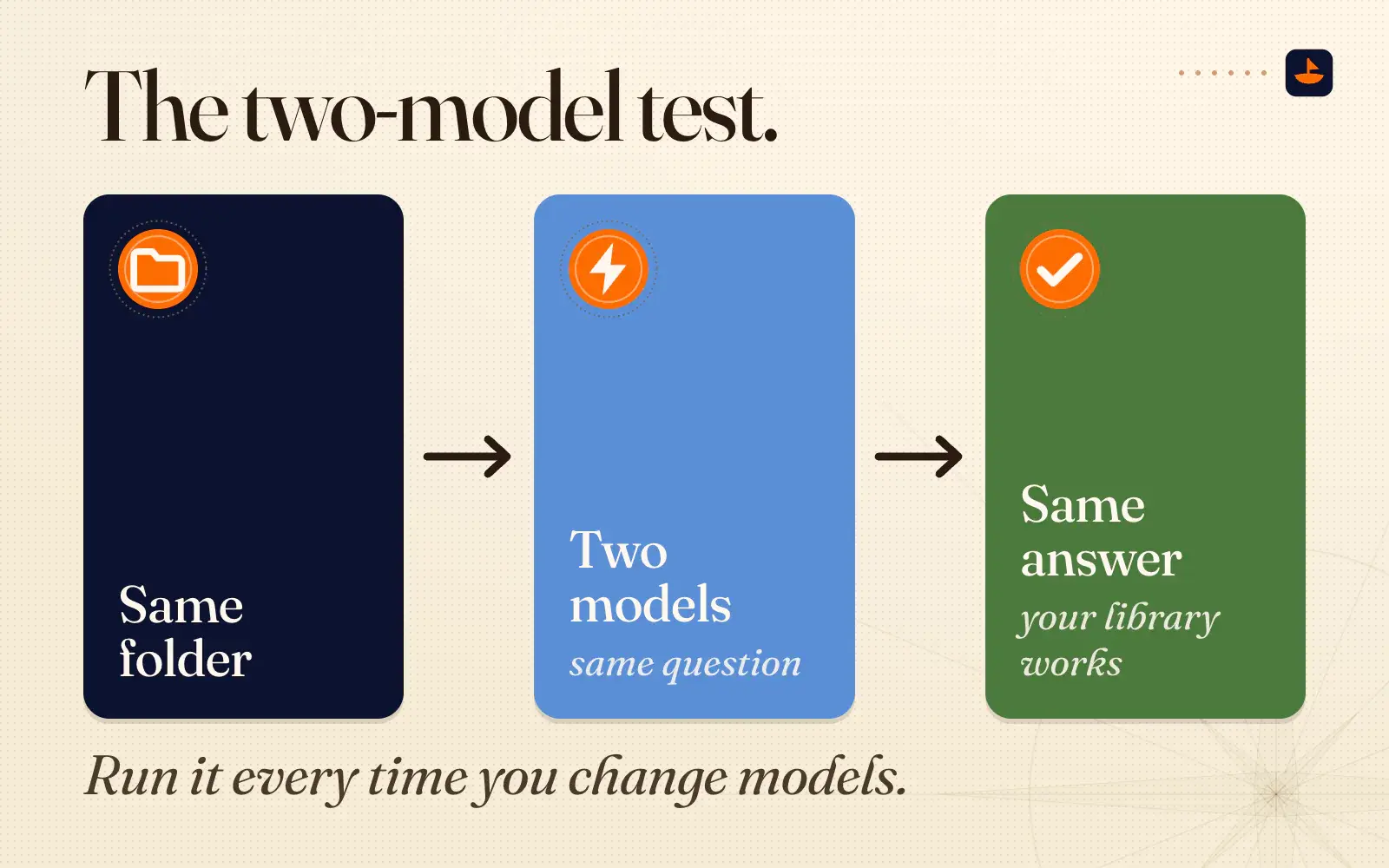
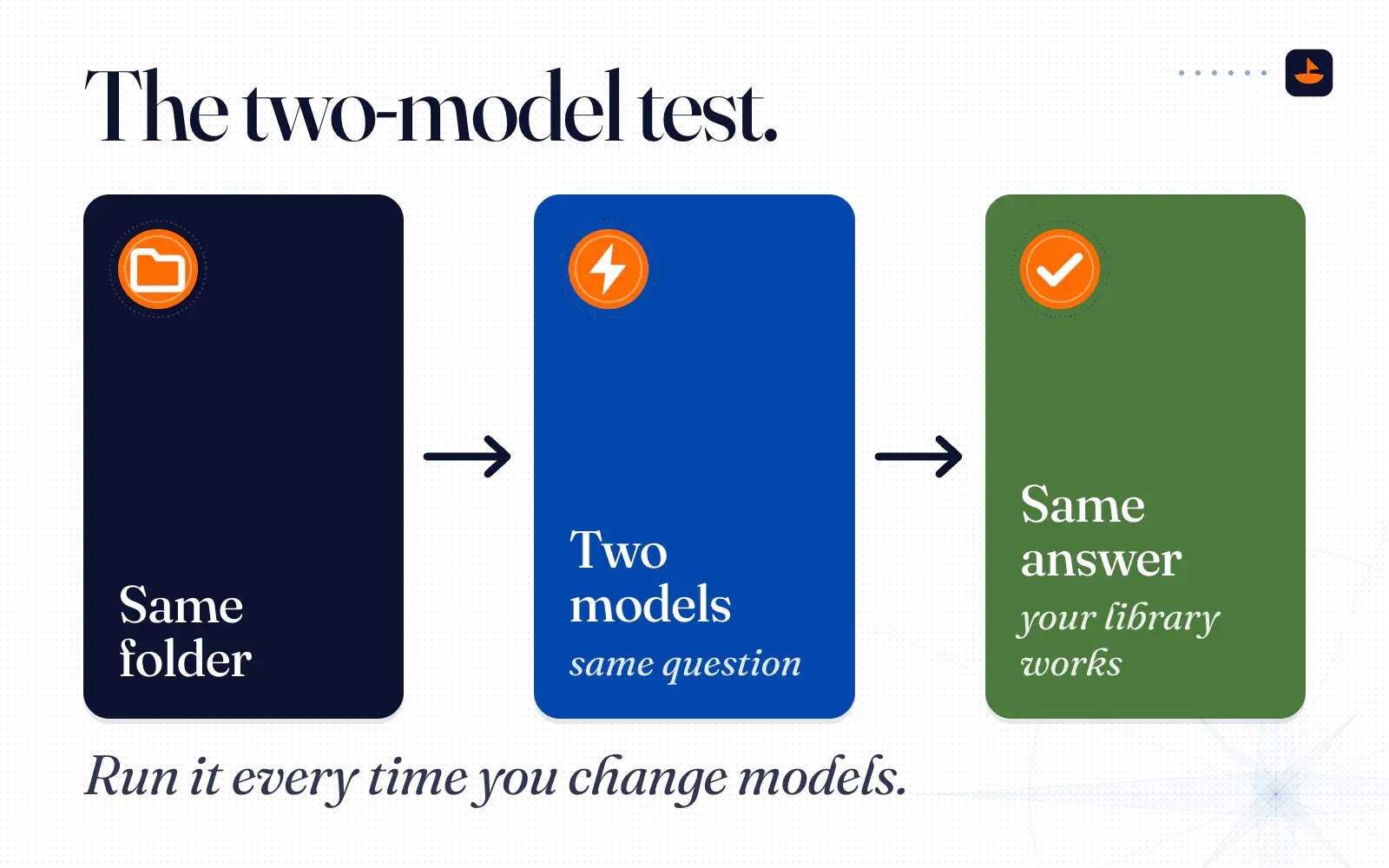
6. Run the two-model test. Ask two different models the same question against the same folder. Use a temporary chat or switch memory off, so the vendor's memory is out of the picture. In ChatGPT, Temporary Chats don't use or create memories. Then compare the two answers.
Use only the files in this folder. Start with index.md.

Question: [a real question about your business, for example "Draft a reply to a customer who says our price is too high."]

1. Answer it.
2. List every file you used.
3. List anything you assumed that isn't in the files.- Same files, same answer: your library works.
- One model knows something the other doesn't: find out where it learned it. If it came from that vendor's memory, it belongs in a file.
- Both answers are generic: your index isn't pointing at the right files, or the files are thin. Fix the folder, not the prompt.
Run it every time you change models. It takes five minutes, and it tells you whether you own your context or rent it.
The short version
Let the AI reason, and don't let it be your librarian. Keep what you know in plain files, with an index at the top and your opinions written down as skills, and connect whichever model is best this week. When two different models give you the same grounded answer from the same folder, you're free to switch any day you like.
If you want the folder already laid out, the free Command Kit is the empty library with a short interview that fills it in. I post what I'm building on X @PalafoxPalmer.
Sources
- Introducing the Open Knowledge Format,
- LLM Wiki,
- MOCs (definition),
- Memory FAQ,
- ChatGPT's new dreaming feature makes it way better at remembering you,
- Using Claude's chat search and memory to build on previous context,
- Anthropic Adds Free Memory Feature and Import Tool to Lure ChatGPT Users to Claude,
- Google Launches Gemini Import Tool for Switching From ChatGPT, Claude, and Other AI Apps,