Field Report · Tech Stacks
I Edit My Videos in HTML Now: HyperFrames, Local Whisper and Claude Code
On June 29 I recorded a 15-minute video, cut it, built every graphic, rendered it and published it the same day without dragging a single clip on a timeline. Here is the pipeline, the two places it broke, and the free tool I turned it into.
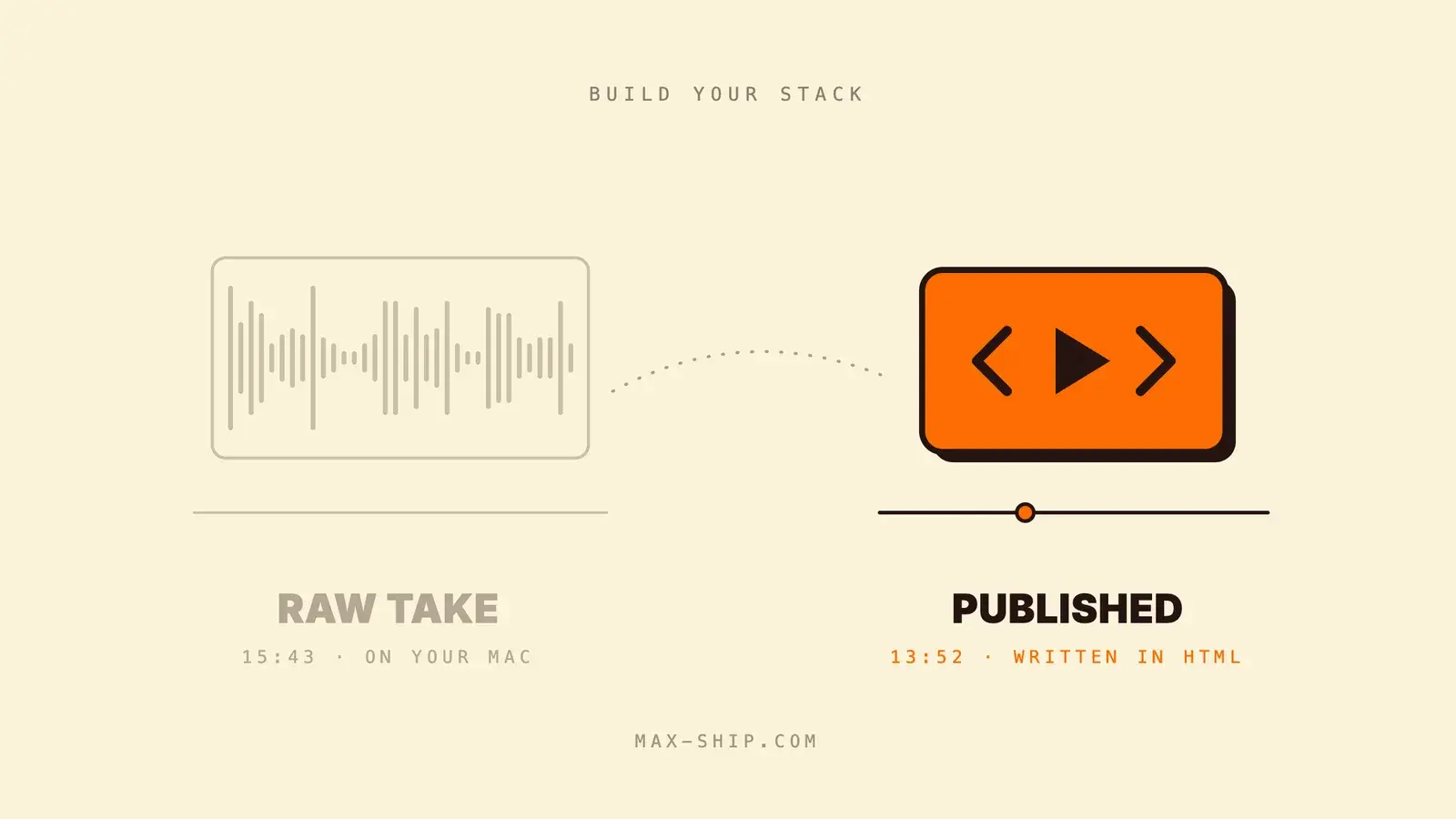
In April I lost a recording. I was filming a tutorial with the Remotion Recorder when the browser page crashed, and when I refreshed it, the take was gone. What I said into the mic was, "Oh, it lost everything."
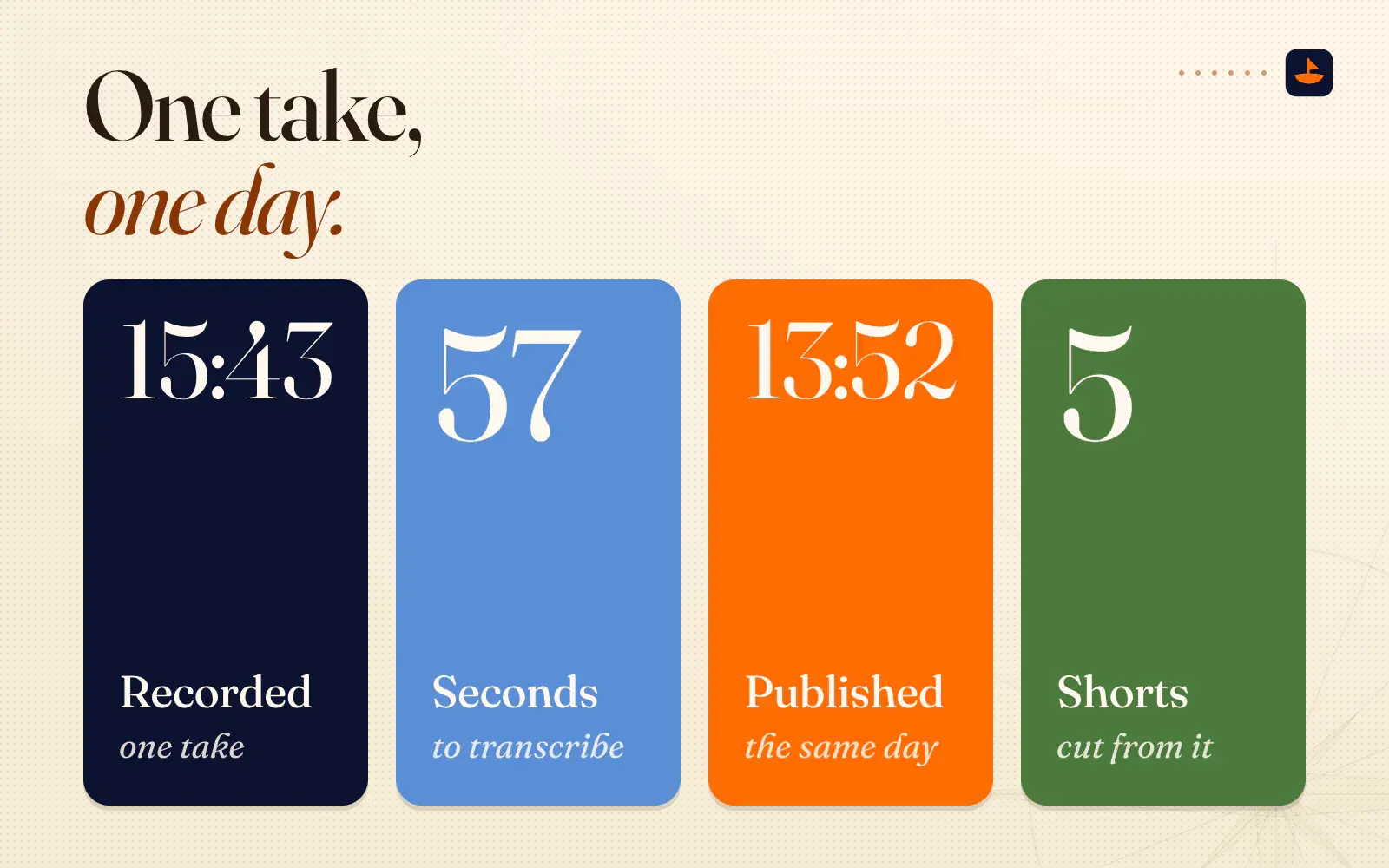
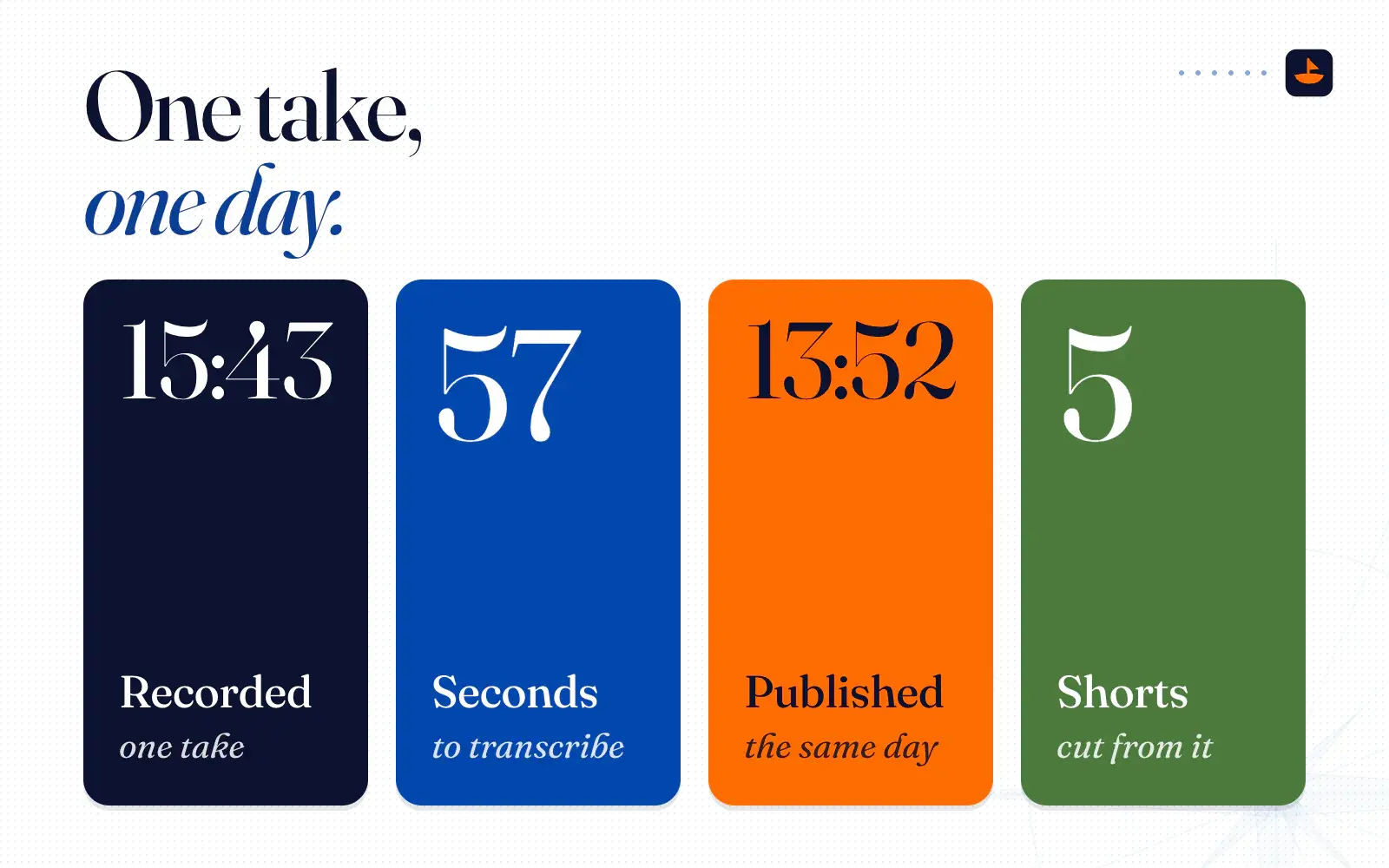
On June 29 I tried again with a different setup. I recorded a 15 minute 43 second video about keeping your business context in folders, the idea behind my second brain post. By the end of the day it was cut to 13:52, every graphic was built, it was rendered and published, and five vertical shorts had been cut from it. Near the end of the video I told viewers, "This entire video was edited through an HTML-based AI editor that is completely open sourced and free."
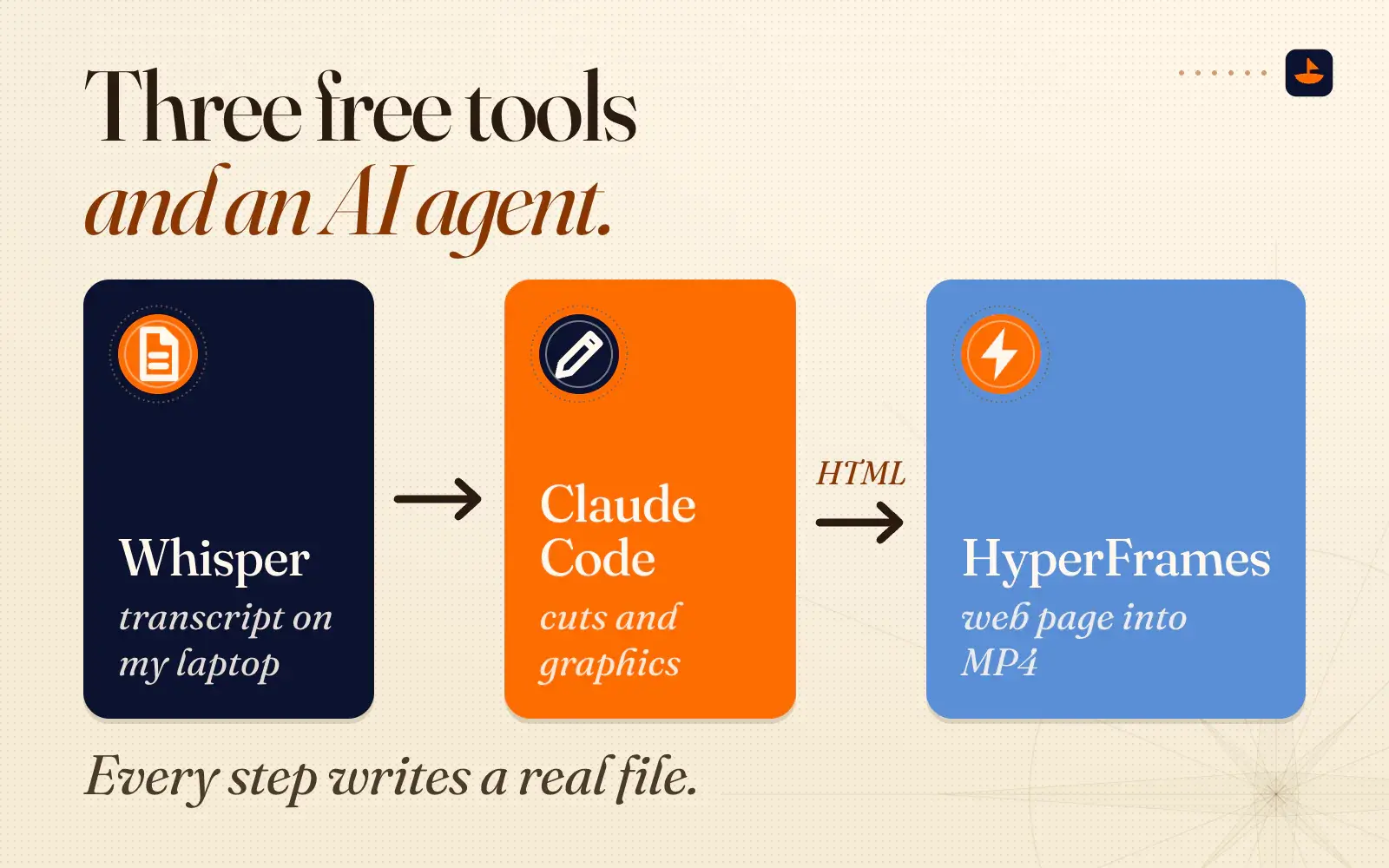
That editor is three free tools and an AI agent. Whisper turns my voice into a transcript on my own laptop. Claude Code reads the transcript, decides the cuts and writes the graphics as a web page. HyperFrames turns that web page into an MP4. This post walks through how I run it, where it broke, and Goobs, the open-source tool I've turned it into.
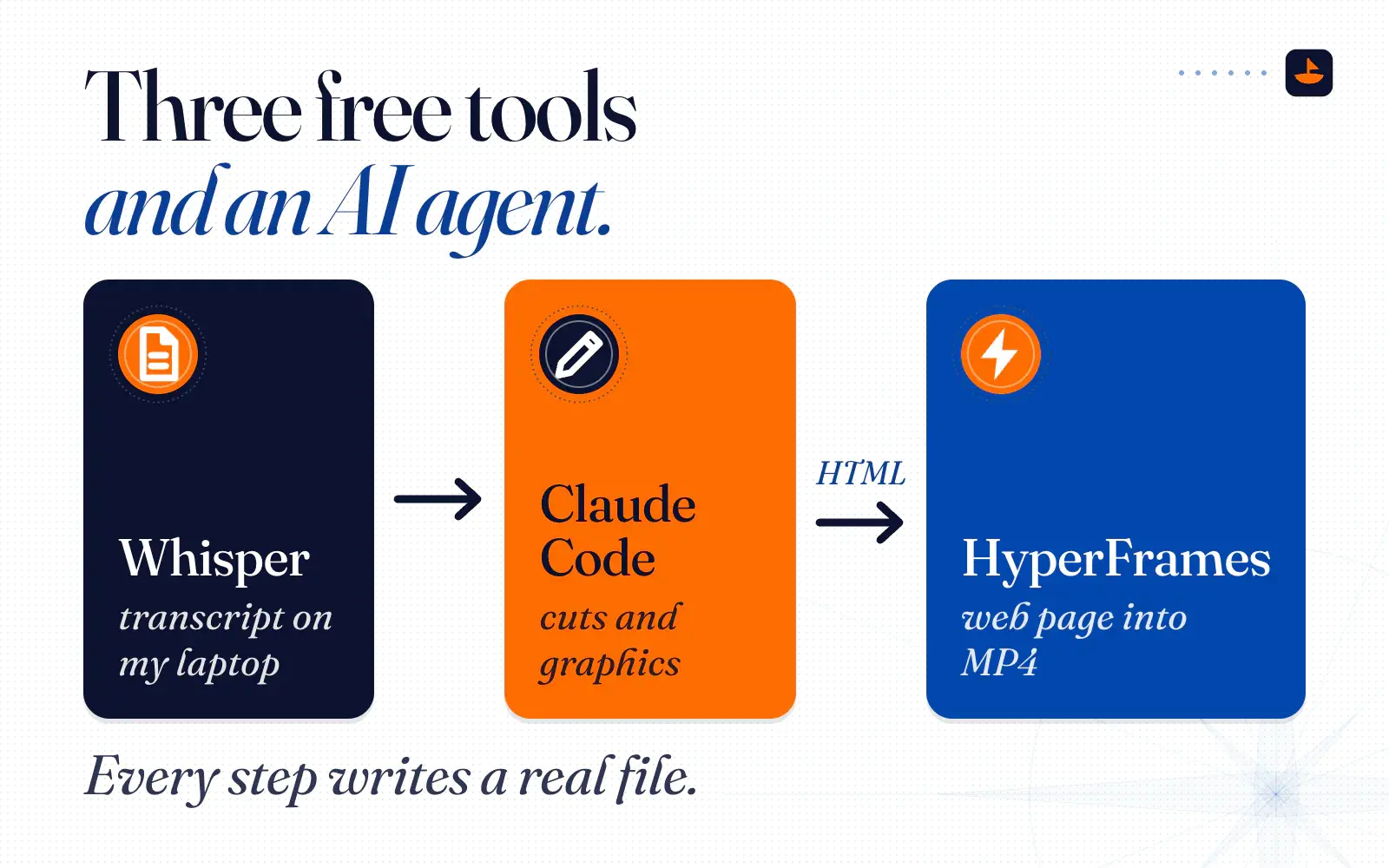
My AI video editing pipeline, step by step
Every video gets its own folder, and every step writes a real file into it: a transcript, a cut plan, a web page, a video. I can open any of them, and so can the AI. That's the same idea as the second brain. When the work lives in files instead of a chat, nothing gets lost between sessions.
1. Record straight to the computer. My first take that day was an 11 minute 19 second clip on my iPhone, filmed in Cinematic mode. It sat on "preparing" for so long that I gave up and recorded again in QuickTime on my Mac, using the iPhone as the camera. Cinematic mode was partly my fault. In my words at the time, "cinematic is super slow to render things." The fix was to save the file where the editing happens: "I'm recording locally on the Mac, so it would be able to edit really fast right after."
2. Transcribe on my own machine. Whisper is a speech recognition model OpenAI open-sourced in 2022. A free program called whisper.cpp runs it on a laptop and uses the Apple Silicon GPU. On my M4 Max, the small English model turned the 15 minute 43 second take into a transcript with timestamps in 57 seconds. The timestamps are what make AI editing possible. As I put it on the day, you can say, "hey, at the moment he says Andrej Karpathy... find me an image of the person and then show them."
3. Cut the radio version. Claude read the whole transcript before touching the video and made three cuts. It dropped a 20-second false start that ends with "Okay, let's restart." It dropped 89 seconds where I went off on a tangent, then gave a note to the editor in the middle of the take, then repeated a section. And it dropped a stray "Okay" at the very end. That's 1 minute 51 seconds gone, 15:43 down to 13:52, and every cut lands in a pause so no word gets clipped.
I asked for that middle cut on camera. I didn't stop recording to make a note. I just said it out loud, on camera: "I'm giving you a verbal note right now. I want you to cut everything I was mentioning about Tiago Forte. It's a tangent." I had addressed that note to Codex. Claude is the one who carried it out.
4. Build the visuals as a web page. The project folder held the video, the transcript and a rough HTML deck I'd made for my talking points. My spoken brief, which Claude inherited along with the folder, was: "Get the video that I've added of me talking framed in it in the talking head format that we've liked." Then "build out like a beautiful visual slide on the other side to support what I'm saying." It came back with ten scenes, each one timed to the moment I start talking about it. When I walk through the six folders in my system, each folder lights up as I name it. When I mention Andrej Karpathy, Obsidian and Google's Open Knowledge Format, a small card names them on screen.
5. Watch, then give notes in the chat. HyperFrames has a preview studio that looks like a normal video editor, with a timeline and a play button. I barely touch it. As I explained that day, "even though it looks like a traditional editor, I'll usually watch here and then I'll go give my feedback directly to the chat." My main note was to strip out the developer clutter, such as labels, scene numbers and timecodes, so it looked like a video and not a debugging screen.
6. Render. HyperFrames rendered the final 1920 by 1080 video at 30 frames a second on my laptop. The 13:52 video took 14 minutes and 42 seconds to render, so plan on roughly real time for a long one.
7. Cut the shorts. The shorts come out of the same transcript. In my words, "the AI based on the transcript is pretty good at figuring out what moments would be viral-worthy... most of the time, I let the AI decide and it finds at least four or five of them, and it batch makes them pretty fast." That afternoon it made five vertical shorts between 14 and 31 seconds long, with my face on top and big captions underneath.
One lesson from that batch: a clip lifted from a long video often sets up a question and ends before the answer. The first cut of the "AI has amnesia" short promised a fix and never said what it was. The answer was further along in the video, so we stitched the hook to the payoff with a jump cut.
Cut the radio version first
Notice the order. The cut happens before any graphics exist. That comes from Goobs, the nickname of the professional video editor whose editing rules are built into my tool. Rule one is to "cut a 'radio version' of the speaker's performance first." The goal is a story that works through the audio alone. If it only works with graphics on top, the graphics are covering a problem.
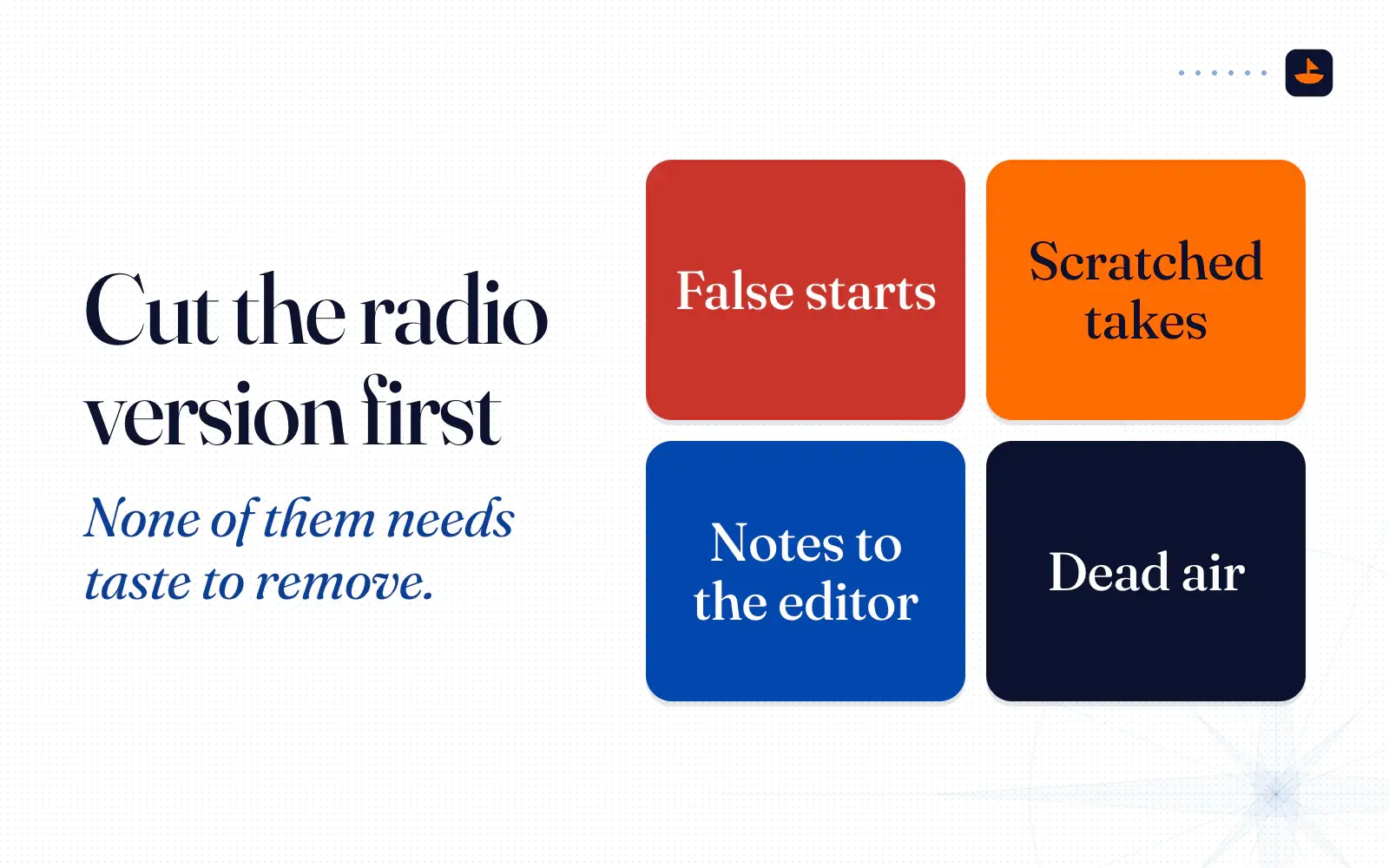
The radio version is also the part of editing an AI can do straight from a transcript. Most of what gets cut from a talking-head video is mechanical: false starts, takes you scratched out loud, notes to the editor and dead air. A transcript makes every one of those easy to find, and none of them needs taste to remove.
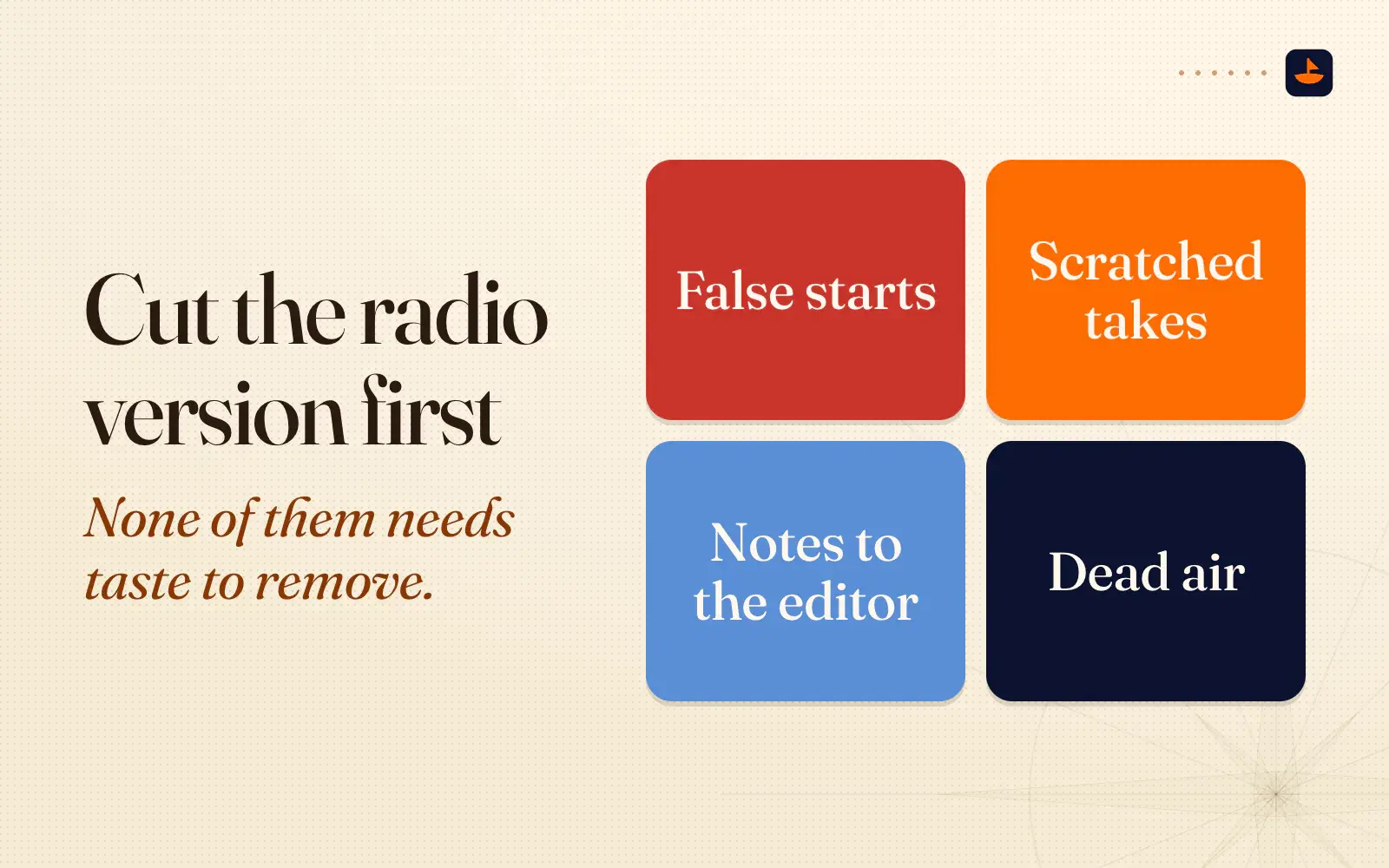
The rest of the rules follow from that. Build the story bare first, and only hang visual "glitter" on it after the story works without it. Only use a visual if it helps the viewer remember the point. Keep the editing invisible. As Goobs puts it, the edit "should be felt and not noticed." And ship, because an edit is never truly done.
What HyperFrames is
HyperFrames is an open-source framework from HeyGen, the AI video company. Its tagline is "Write HTML. Render video. Built for agents." The first version went up on npm on March 23, 2026, and it's licensed Apache-2.0, so you can use it commercially for free.
A HyperFrames video is a web page. The page has a video element for the talking head, an audio element, and text, shapes and images with attributes that say when each one appears. The motion comes from GSAP, a popular JavaScript animation library. The command-line tool gives you a live preview, a lint check that catches mistakes before you waste a render, and a render command. In HeyGen's words, "The renderer seeks each frame in headless Chrome and encodes the result with FFmpeg, so the same input produces the same video." It needs Node.js 22 or newer and FFmpeg.
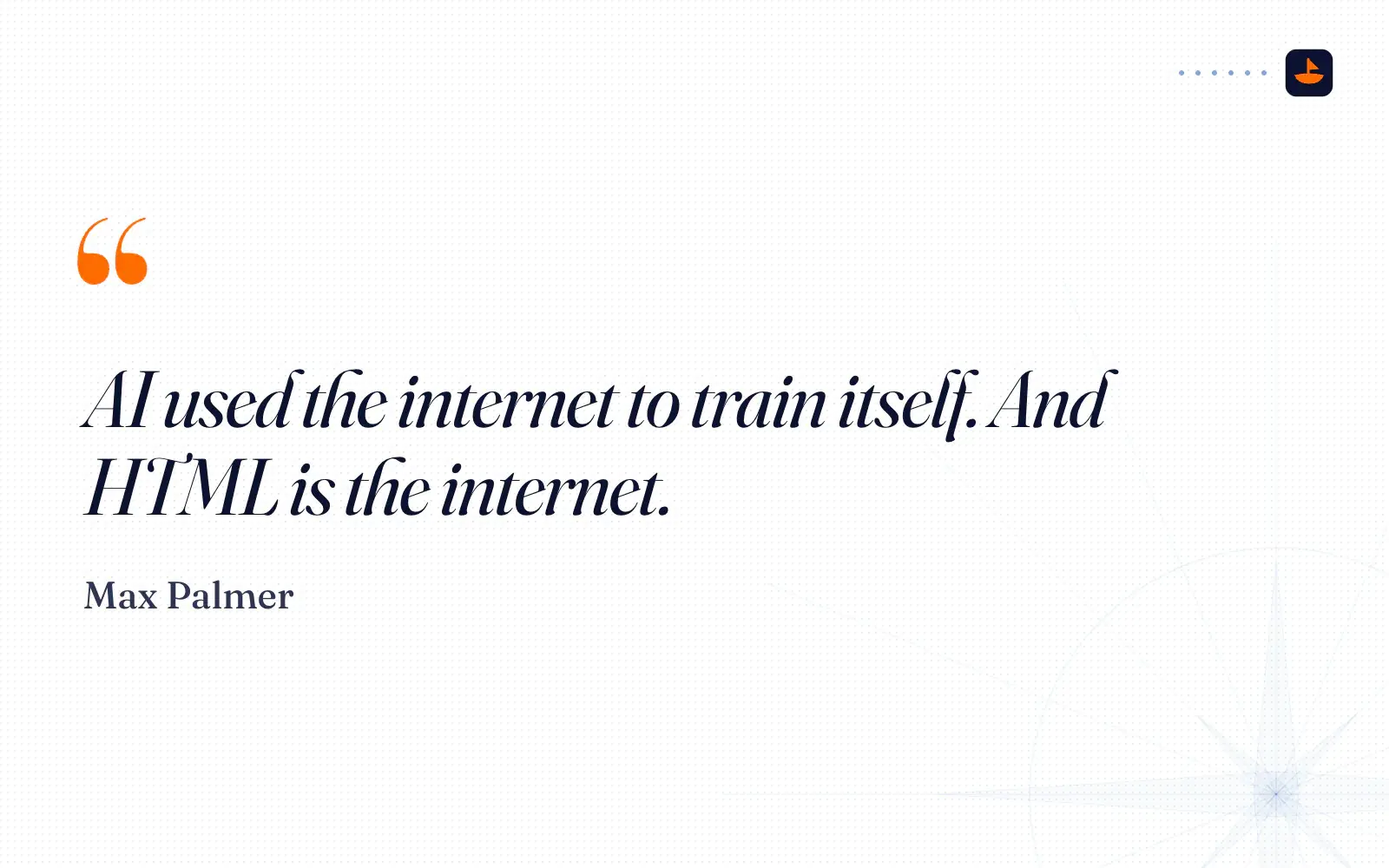
I already thought HTML was the right material for this, and I said so in the video itself: "I think HTML is kind of the most underrated way to work with AI because AI used the internet to train itself. And HTML is the internet." An AI agent that can build a landing page can build a title card, a chart or a lower third, because to the agent they're the same thing.
HyperFrames ships skills that teach agents how to write valid compositions, and plugins for Claude Code, Codex, Cursor, Gemini CLI and others. In June it was easiest to set up in Codex, where it sat in the plugin directory. Today there's a Claude Code plugin too.
Remotion or HyperFrames?
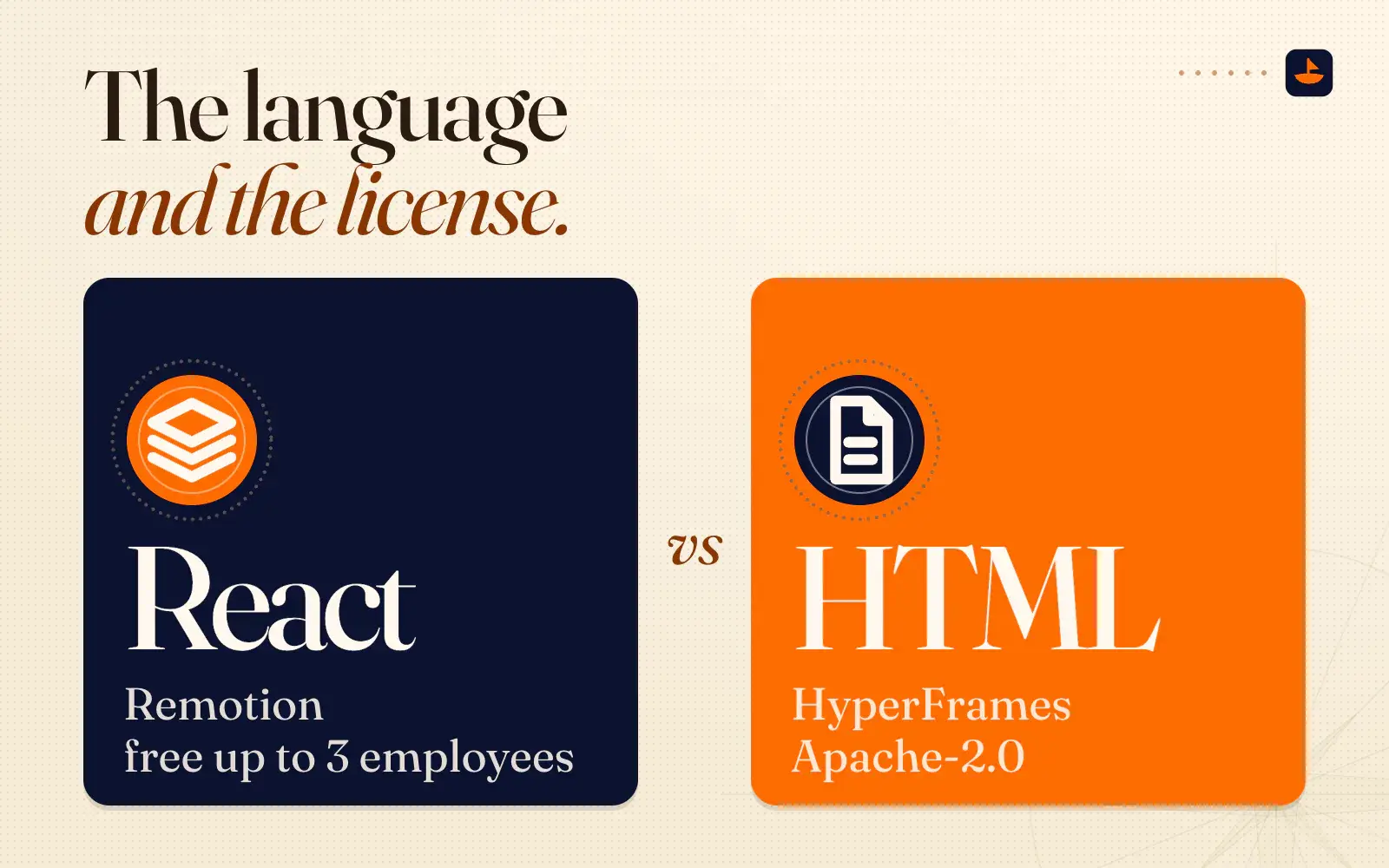
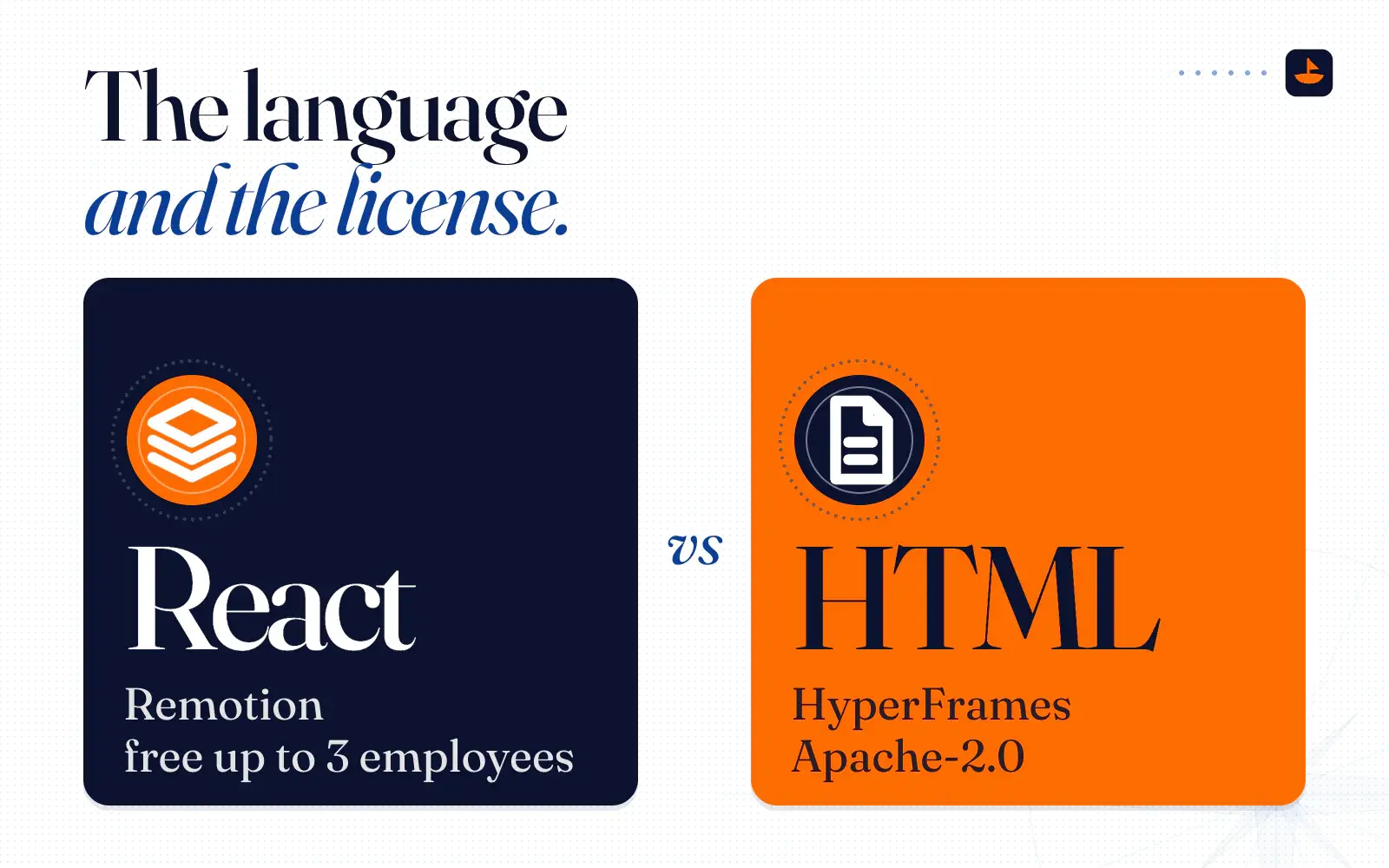
On the day I described them as "two tools that do the same thing," and HeyGen says much the same. Its README says HyperFrames is inspired by Remotion, that both render with headless Chrome and FFmpeg, and that "the main difference is the authoring model." Both let you write a video as code and both work with an AI agent. The real differences are the language and the license.
- Remotion builds videos as React components. Its license is free for individuals, non-profits and companies with up to three employees. Larger for-profit companies need a paid company license. It also has the Remotion Recorder, a template for recording your camera and screen together.
- HyperFrames builds videos as plain HTML pages, with no React, and it's Apache-2.0 for everyone. It even ships a skill that converts Remotion projects into HyperFrames.
"Both are free, which is nice," is how I summed it up that day. Remotion's free tier has a headcount limit, so check it if your company is bigger than three people. The April crash taught me the other lesson. Whichever tool you use, don't let the editor be the only place your raw footage lives. That's why the June video was recorded in QuickTime and handed to the editor as a finished file.
Why Whisper runs on my machine
A raw take is full of things that never make the final video. There are false starts, tangents, asides to whoever is in the room, and sometimes a screen recording with an inbox open. That's exactly the material I'd rather not upload anywhere. With whisper.cpp, the audio never leaves my laptop, and there's no account or API key to set up.
The money is small either way. OpenAI's hosted Whisper costs $0.006 a minute as of November 2026, so my 15:43 take would have cost under ten cents. The bigger point is the one I made in my Claude Code vs Codex post: I would gladly run a capable model on my own machine instead of paying big tech every month. Transcription is a job a small local model already handles well, 57 seconds for a 15-minute take.
One trap cost me real time. HyperFrames' transcribe command calls a program named whisper and expects whisper.cpp. On my Mac, the program named whisper was OpenAI's Python package, which doesn't understand whisper.cpp's options, so transcription failed instantly every time. The fix was to install whisper.cpp and call its program, whisper-cli, directly. If your transcription hangs or fails straight away, check which whisper you have first.
Why Claude finished the job Codex started
In June I wrote that my coding split had moved from all Claude to about 60/40 Claude and Codex. On June 29 I gave Codex the video job. I was even a little nervous about it, because I wasn't sure I had enough Codex usage left.
To be fair to Codex, it started well. It opened the HyperFrames studio and put a first design on screen quickly, and my reaction was, "This already looks amazing. I'm already very happy with the design." Then it got stuck on the transcript. I gave it a deadline out loud: "I'm gonna give it another five minutes to finish this transcription. And if it doesn't, I'm going to stop it and then open up Claude and try to just hijack the project with Claude." A minute later I said, "this is the slowest I've ever seen it do this," and then, "I think Claude might be the way to go."
Claude picked up the same folder and found the cause: the whisper name clash above. That's the honest version of this story. The bug was in my machine's setup, not in Codex, and it would have tripped up any agent that trusted the transcribe command. Claude's first move was to look at why the command failed.
I also had history on my side. As I said that day, "I used it with Claude first. All the other videos I've used were on Claude," and "normally it's not been this slow for me when I use Claude." Up to that day, every video I'd edited this way had been done in Claude, and this one ended up there too.
Get started with Goobs
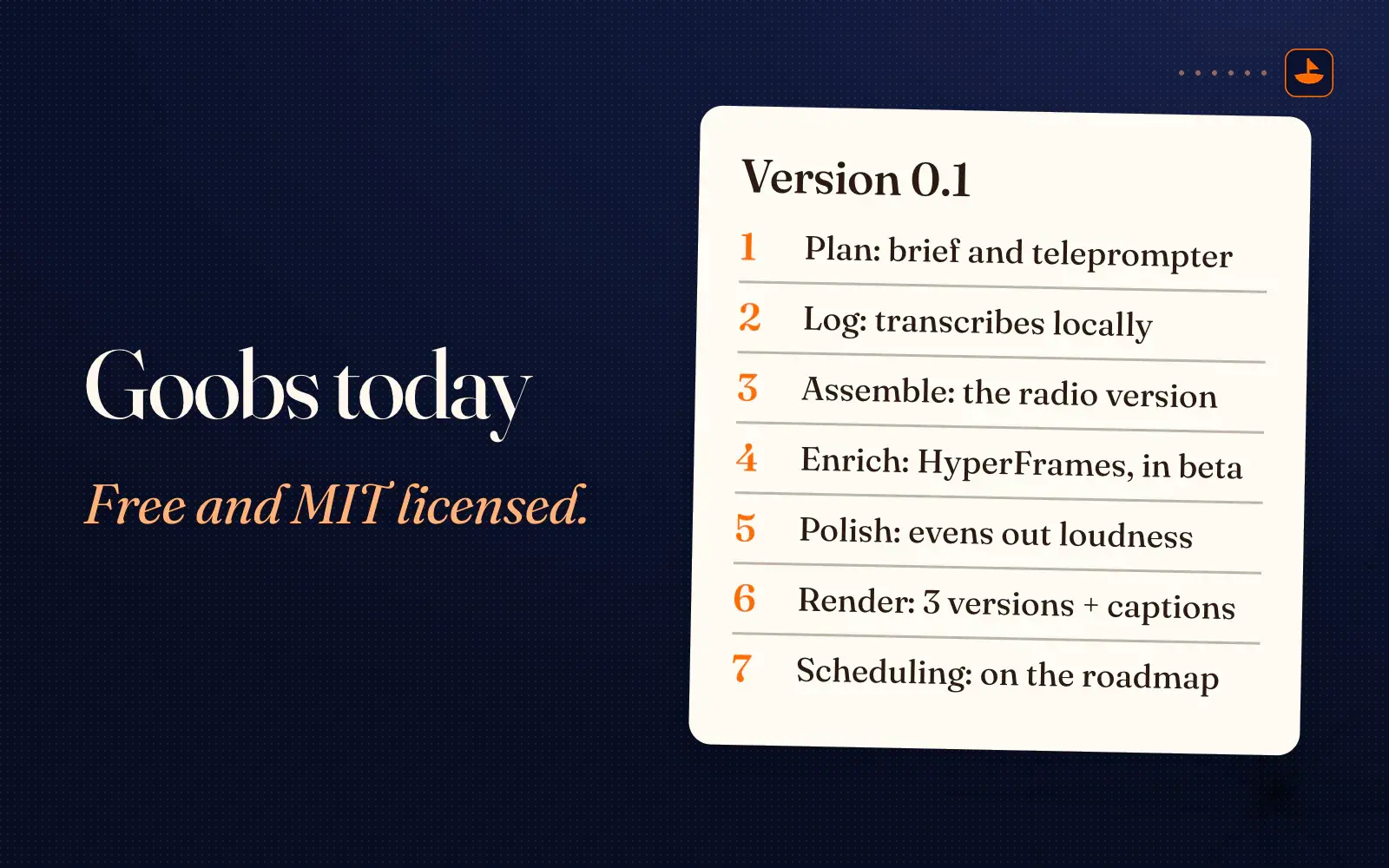
For months the plan was to turn this into a proper tool. I said as much that day: "I wanted to have like a full video editor built by now." Goobs is that tool, and version 0.1 is the first one that runs end to end. It's free and MIT licensed, and it's on GitHub at github.com/shipwithmax/goobs.
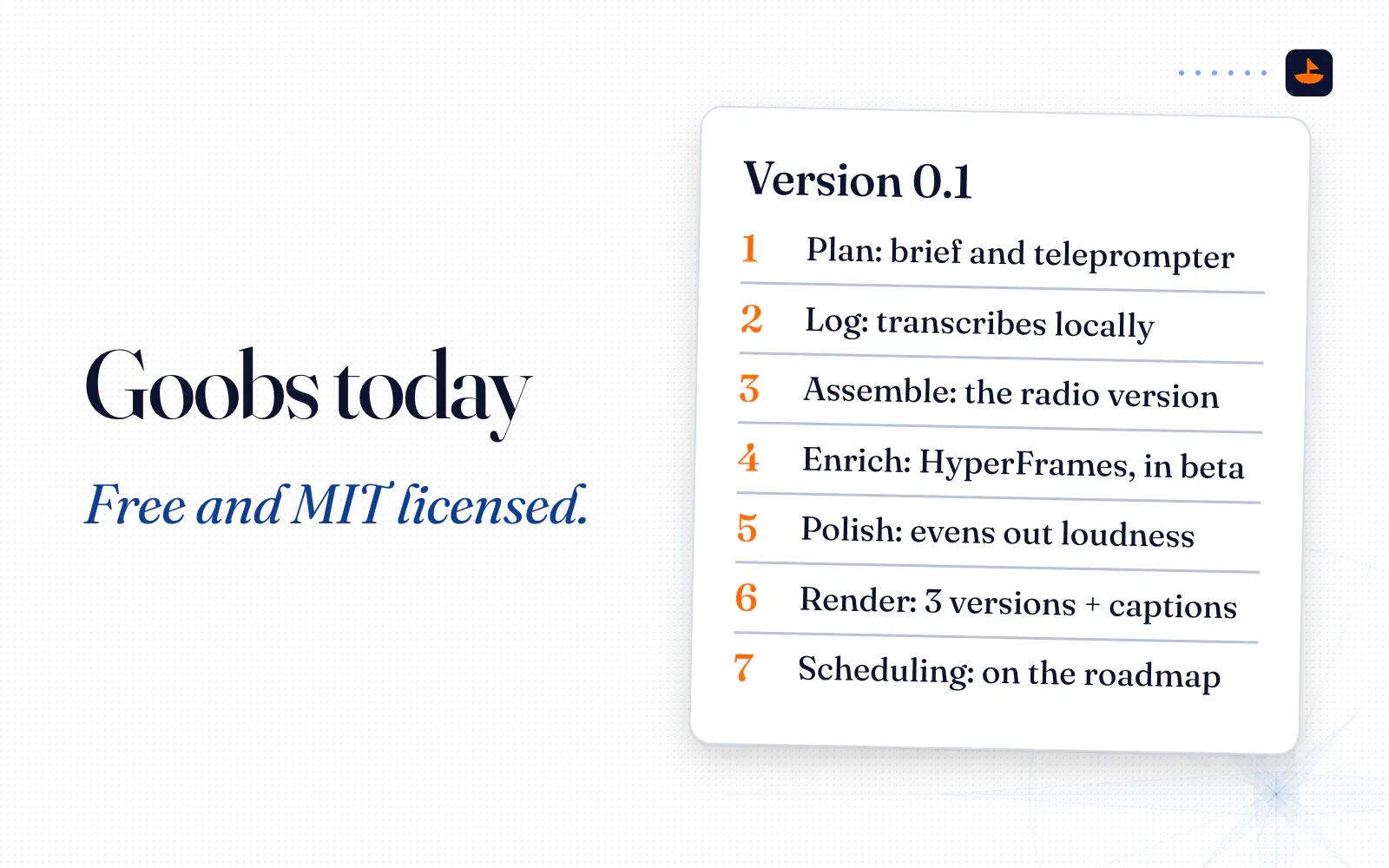
Goobs runs the steps above from your terminal, one folder per video, and every step writes a file you can open. Here's what works today:
- Plan writes a brief and a slides page you can use as a teleprompter.
- Log transcribes on your machine with whisper.cpp and picks up the directions you say out loud, like "scratch that" or "editor, keep this."
- Assemble makes the radio version. It cuts false starts, scratched takes, notes to the editor and long pauses, lands every cut in silence, and writes a cut plan you or your AI can edit before running it again.
- Enrich sets up a HyperFrames project with callout cards from your cues. It's still in beta.
- Polish evens out the loudness.
- Render exports horizontal, vertical and square versions with a captions file.
Scheduling posts, more transcription engines, burned-in captions and automatic shorts are on the roadmap, not in the box yet.
You need Node.js, FFmpeg and whisper.cpp. On a Mac, Homebrew installs the last two with brew install ffmpeg whisper-cpp. Then clone the repo, run npm install, and run npm run sample. That builds a 36-second test clip with a computer voice, a scratched take and a long pause in it, so you can watch every stage do its job before you trust it with your own footage. ./bin/vp run sample-clip runs the whole pipeline on it. The first run downloads the Whisper model, about 490 MB, and after that it all runs offline.
Goobs is built to be driven by an AI agent as much as by you. Open the folder in Claude Code and ask it to read the transcript and tighten the cut around the tangent at 4:37. The repo includes a short rules file for agents, covering the traps in this post: read the transcript before cutting, land cuts in silence, re-transcribe the cut to check it, and never publish without a human saying yes.
The short version
Record straight to your computer. Transcribe locally with Whisper. Let an AI agent cut the radio version first, then let it write the graphics as HTML and render them with HyperFrames. Watch the result and give your notes in plain English. If you want the whole thing in one folder, start with Goobs and the sample clip, then try it on your own talking-head video this week.
Sources
- HyperFrames: Write HTML. Render video. Built for agents.
- HyperFrames plugins for coding agents,
- hyperframes on npm
- HyperFrames CLI reference: telemetry,
- Remotion: Make videos programmatically with React
- Remotion License
- Remotion Recorder
- Whisper